The Reheat feature is a short-term program to
Touch just 3 pads to use Reheat codes 1 to 6 to reheat
automatically reheat a previously cooked food.
mmy
popular foods. See the Reheat Guide below.
The oven turns off automatically after a preset
amount of time.
Reheat
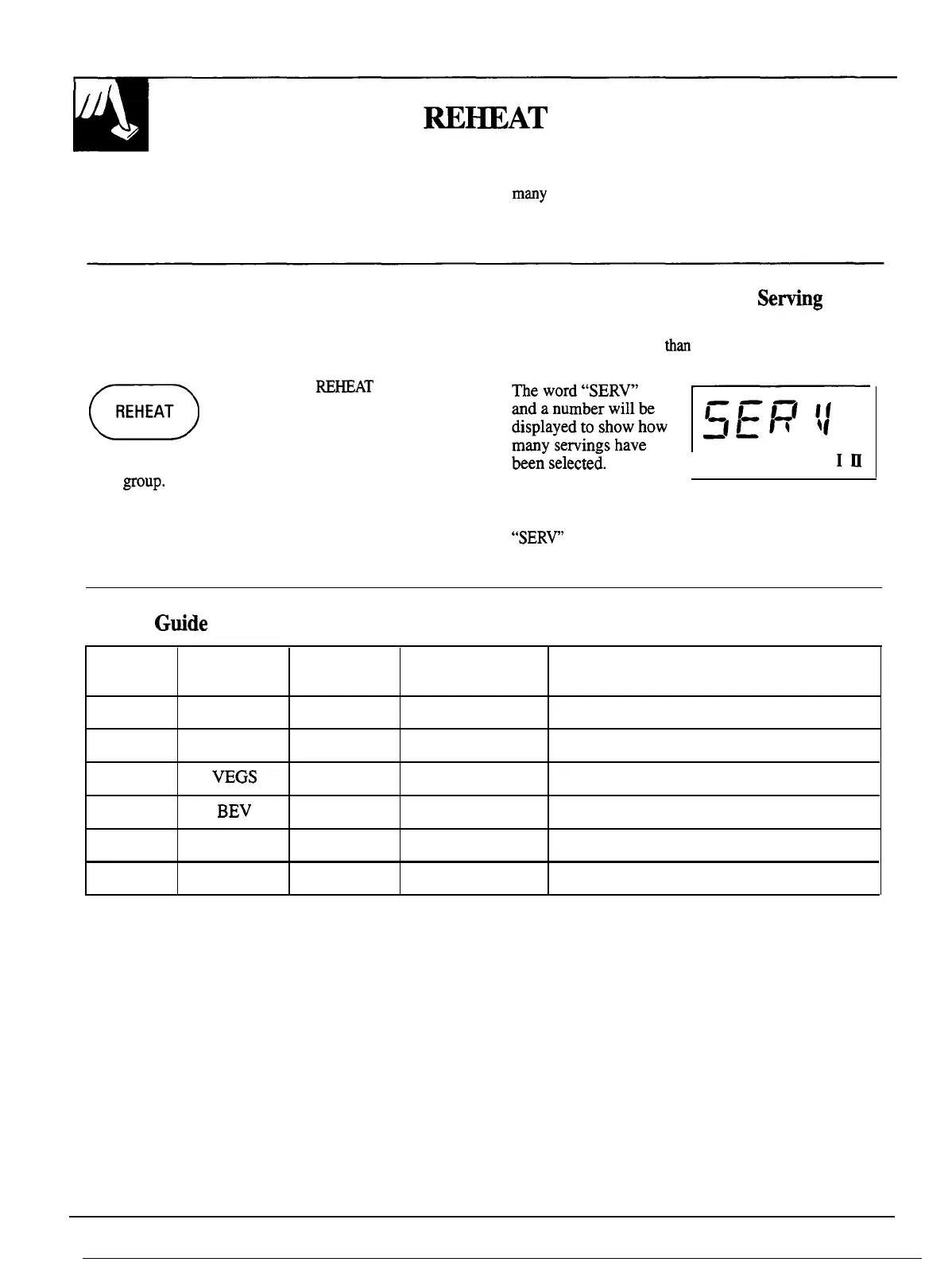
The Reheat program makes it a snap to reheat many
popular foods. Choose a code number from 1 to 6
(see Reheat Guide below).
o
Step 1: Touch
RE~AT
pad.
REHEAT
Step 2:
Touch a number pad from 1 to 6 to select a
food
~OUp.
Step 3: Touch START pad. Oven will signal and turn
off automatically when finished.
To Reheat More Than One
Sefing
Reheat codes 1 through 5 let you heat up to three
servings. To add more
tha
one serving, just touch
number pad 2 or 3 right before touching START.
bee;
selecte~.
I
The serving size may even be changed or added
after touching START. Just touch number pad
2
or
3.
“SERV”
and a number will be displayed briefly to
show that serving size has been changed.
Reheat
Gtide
Serving
Time per
Code
Display
Size
Serving Foods Recommended
1
PASTA
1–3
2 min. 10 sec. Pasta
2
MEATS
1–3
1 min. 30 sec.
Meats, casseroles, pizza
3
VEGS
1–3
1 min. 15 sec.
Fruits and vegetables
4 BEV
1-3
1 min. 30 sec.
Beverages
5
SAUCE
1-3
1 min. 15 sec.
Sauces and gravies
6
PLATE
3 min. 45 sec.
2 to 3 foods, 4 oz. each
18




 To Next Page