- 38 -
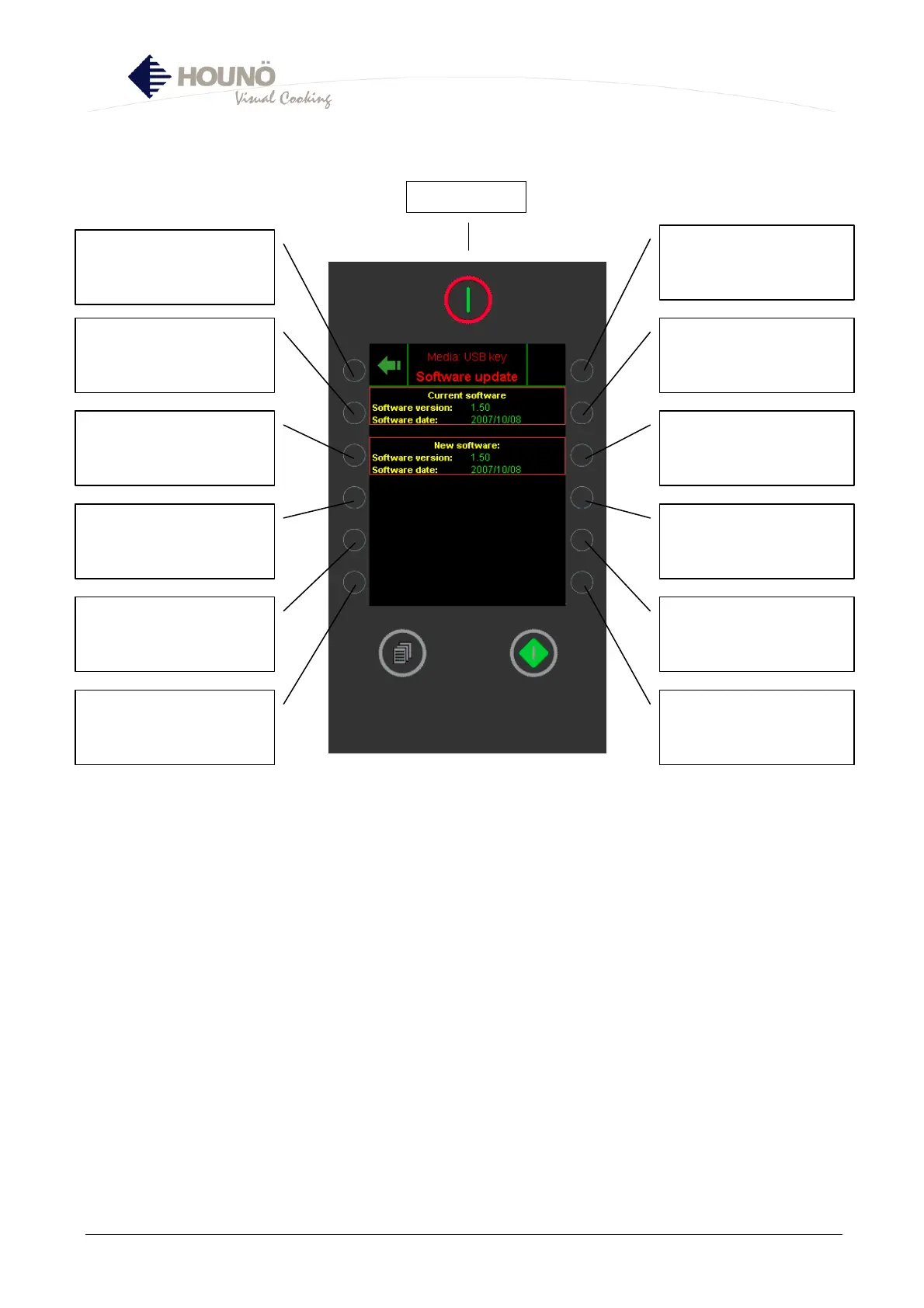
USB Key (1), Software Updating Menu
• In this menu, you update the controller with the latest version of the software via a USB
key.
• This process usually takes 10 – 20 minutes; the oven must not be turned off during this
time.
• The oven restarts automatically and is ready for use when the main menu appears.
Return to SOFTWARE
UPDATING MENU
INFO: Software installed in
oven
Ej aktiv
INFO: Software accessible
via USB key
Not active
Select Update
Only visible if more recent
version is available
Main switch



 To Next Page