- 39 -
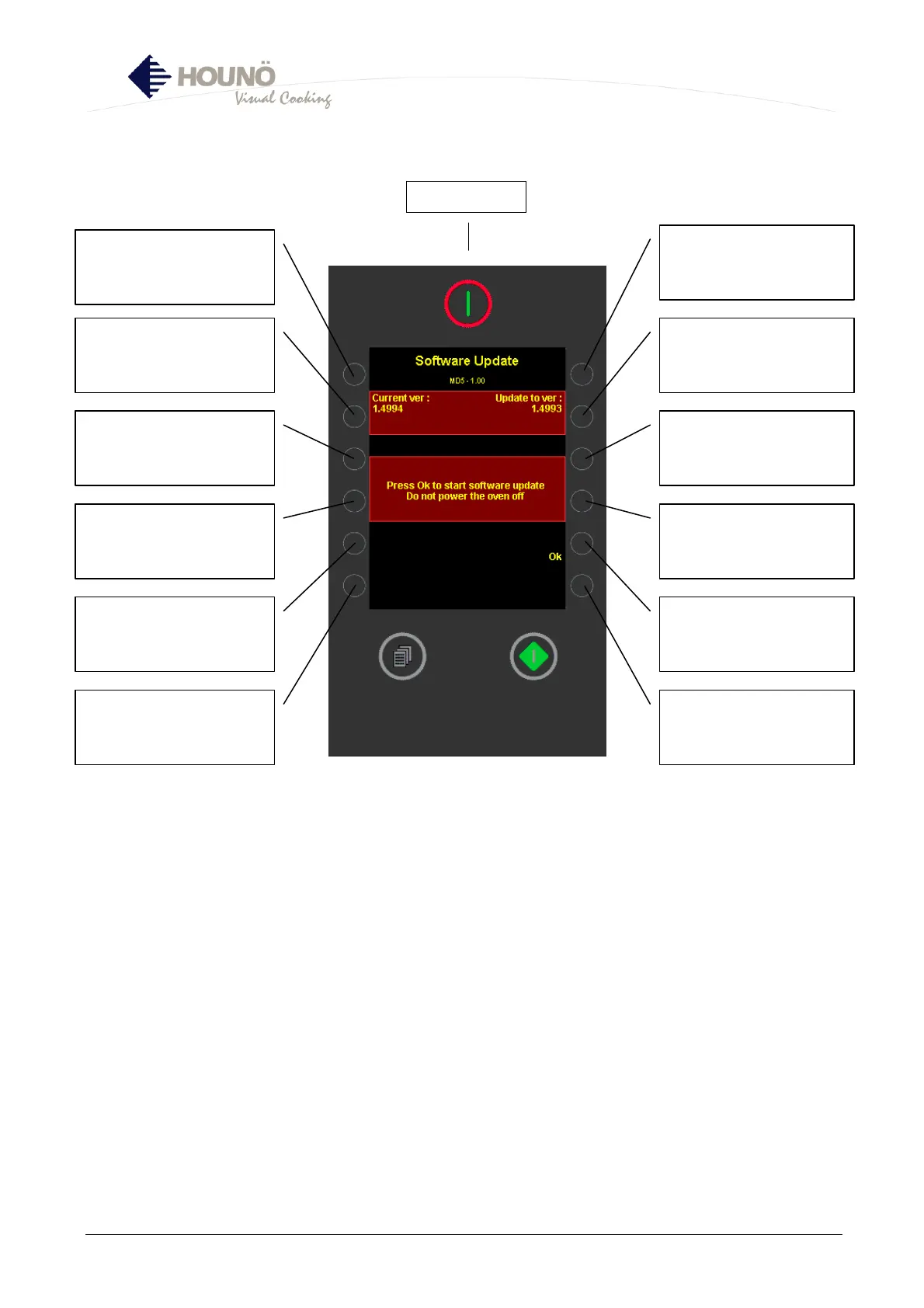
USB Key (2), Software Updating Menu
• This function is possible if the controller is updated with software version 1.50 or higher.
Can be downloaded from www.houno.com.
1. Oven must be off.
2. Insert USB key in oven.
3. Turn oven on.
4. This menu appears.
INFO: Shows current
software version in oven
(Not active)
Not active
INFO: Shows software
version to which controller
is being updated (not
active)
Press OK to start updating
process
Main switch



 To Next Page