Hybrid/AC-coupled Inverter User Manual
© 2024 Hoymiles Power Electronics Inc. All rights reserved.
39
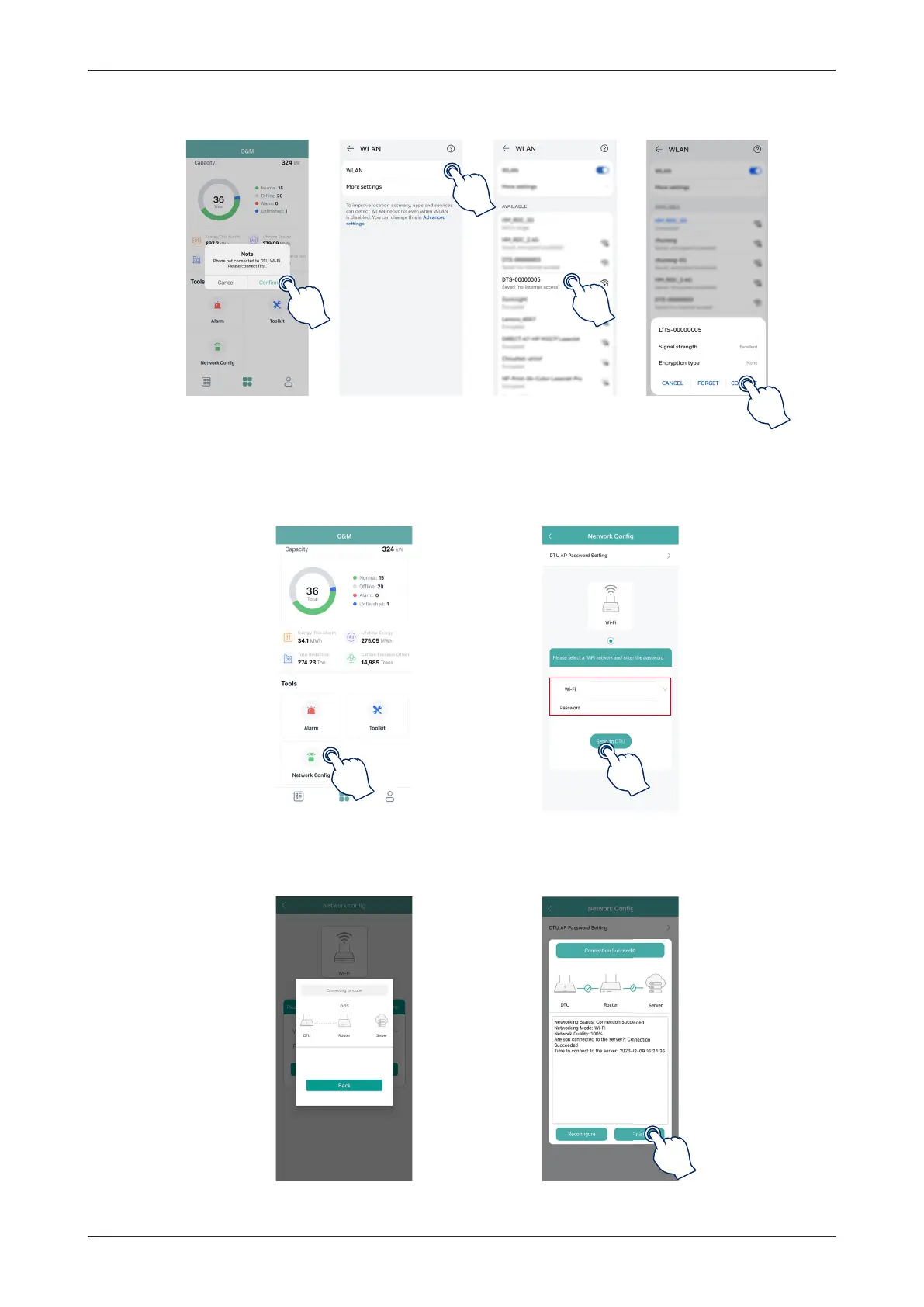
(b) Select the DTS’s wireless network and tap “Connect”. (The network name consists of DTS and the last 8
digits of the product serial number, and the default password is ESS12345.)
4. Network configuration.
(a) Upon successful connection, tap on “Network Config” again and access the Network Configuration page.
(b) Select the router Wi-Fi and enter the password.
(c) Tap on “Send to DTU”.
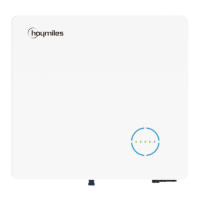
5. Check the DTS indicator for a solid blue light, which signifies a successful connection.
The network configuration takes about 1 minute, please be patient. If the network is not connected, please
check the internet as instructed.



 To Next Page