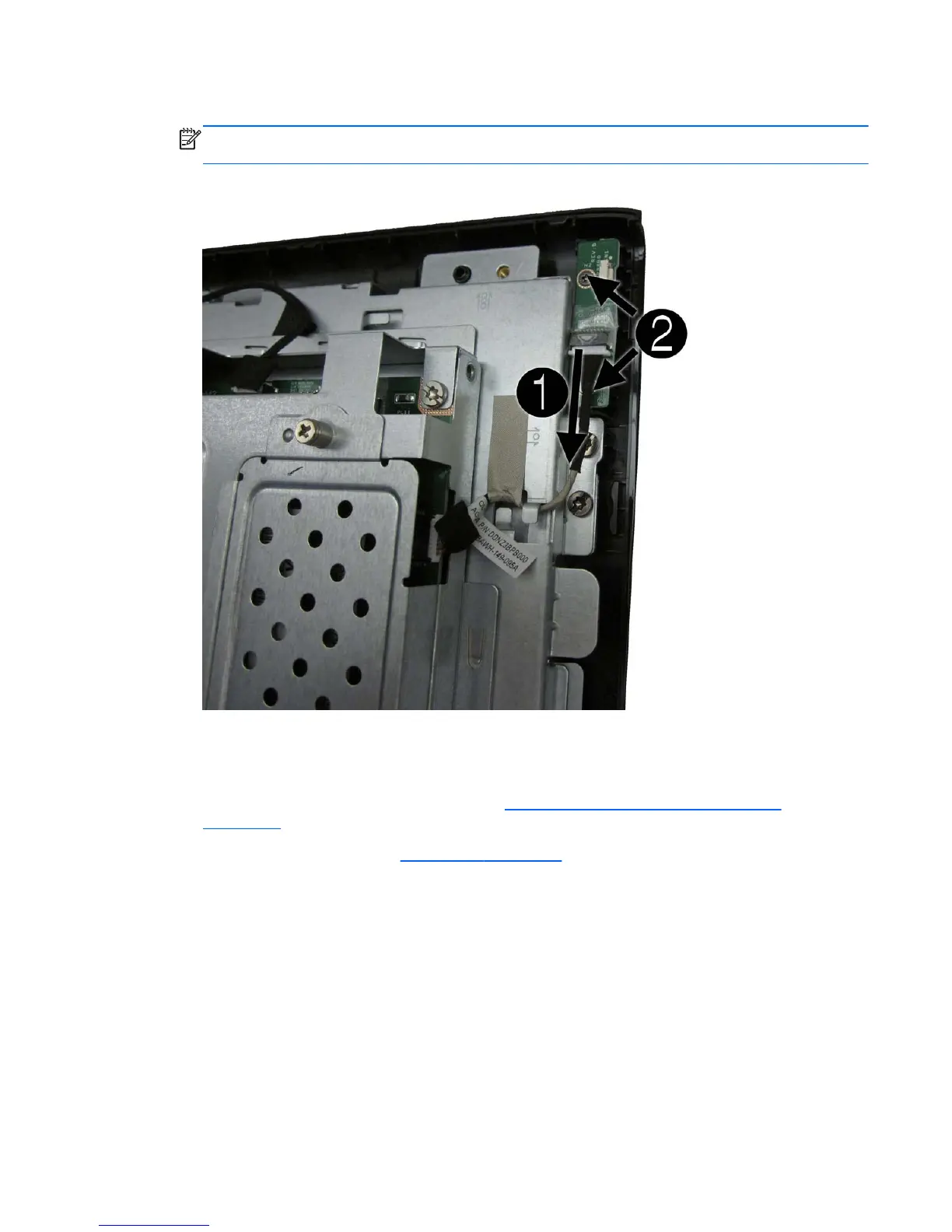
4. Lift the board as far as the cables allow, and then disconnect the two cables from the board (3).
NOTE: Be careful not to damage the cables when disconnecting them from the board. Do not
pull on the wires.
Figure 6-45 Removing the power button board
5. Remove the board from the computer.
To remove the power button board cable:
1. Prepare the computer for disassembly (see
Preparing to Disassemble the Computer
on page 26).
2. Remove the rear cover (see
Rear Cover on page 27).
3. Disconnect the cable from the power button board (1) and the system board (2).
Power Button Board and Cable 61









 To Next Page