Option ROM Configuration for Arrays 10
The server reboots, and then POST runs again.
During POST, all controllers in the server are initialized one at a time in the current boot order
sequence. If a controller is connected to one or more hard drives, a message appears during the
initialization process for that controller, prompting you to start ORCA.
2. At the ORCA prompt for the controller that you want to configure, press the F8 key.
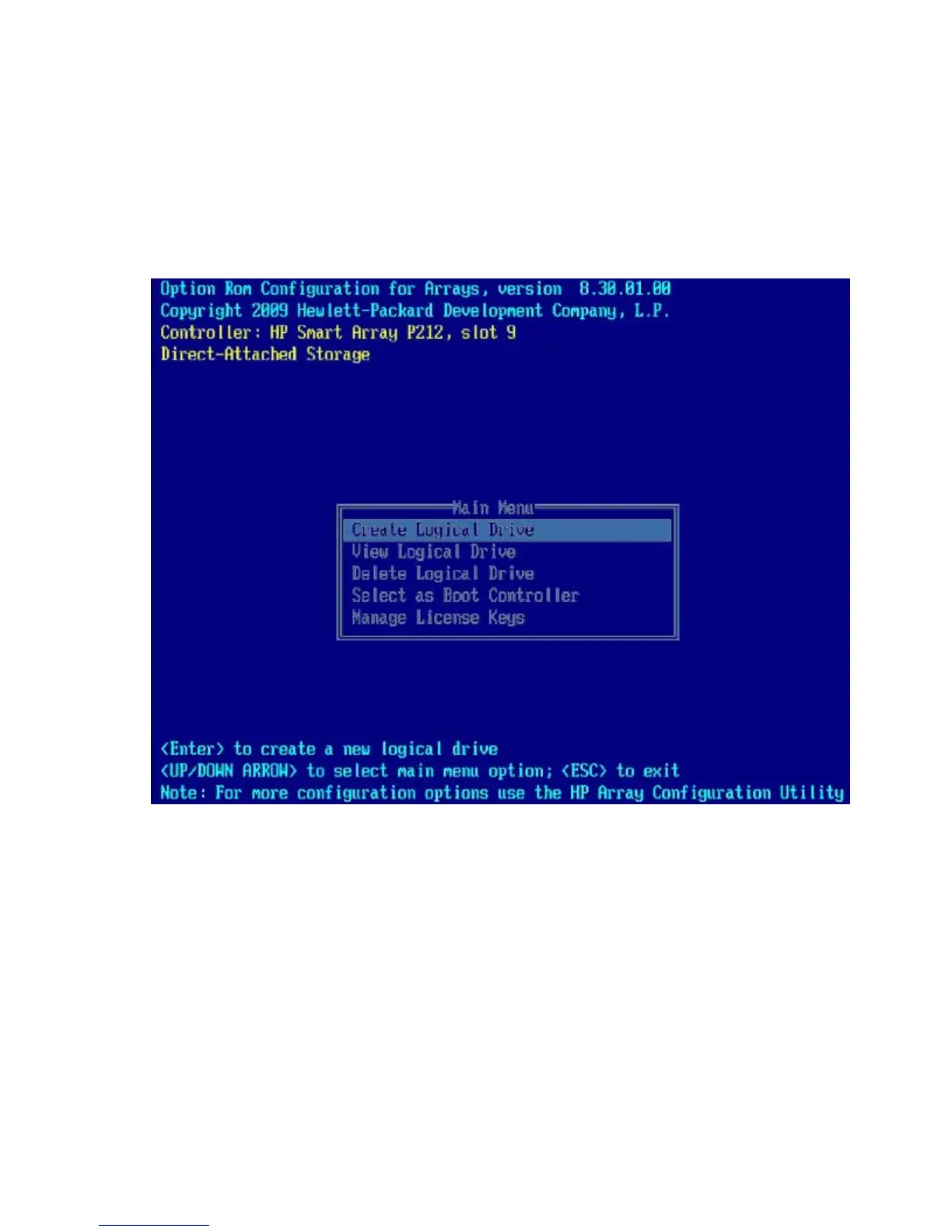
The ORCA main menu appears, enabling you to do the following:
o Create, view, or delete a logical drive ("Creating a logical drive with ORCA" on page 10)
o Enter an SAAP license key ("Installing a license key with ORCA" on page 11)
Creating a logical drive with ORCA
1. Power up the server.
POST runs.
During POST, all controllers in the server are initialized one at a time in the current boot order
sequence. If a controller is connected to one or more hard drives, a message appears during the
initialization process for that controller, prompting you to start ORCA.
2. At the ORCA prompt for the controller that you want to configure, press the F8 key.



 To Next Page