HP Array Configuration Utility 22
Configuring a server that has ACU installed
1. Click Start, and then select Programs>HP System Tools>HP Array Configuration Utility>Setup HP
Array Configuration Utility.
The Execution Mode screen appears.
o If Local Application Mode is selected, continue with step 2.
o If Remote Service Mode is selected, select Local Application Mode, reboot the server, and then
continue with step 2.
2. Click Start, and then select Programs>HP System Tools>HP Array Configuration Utility.
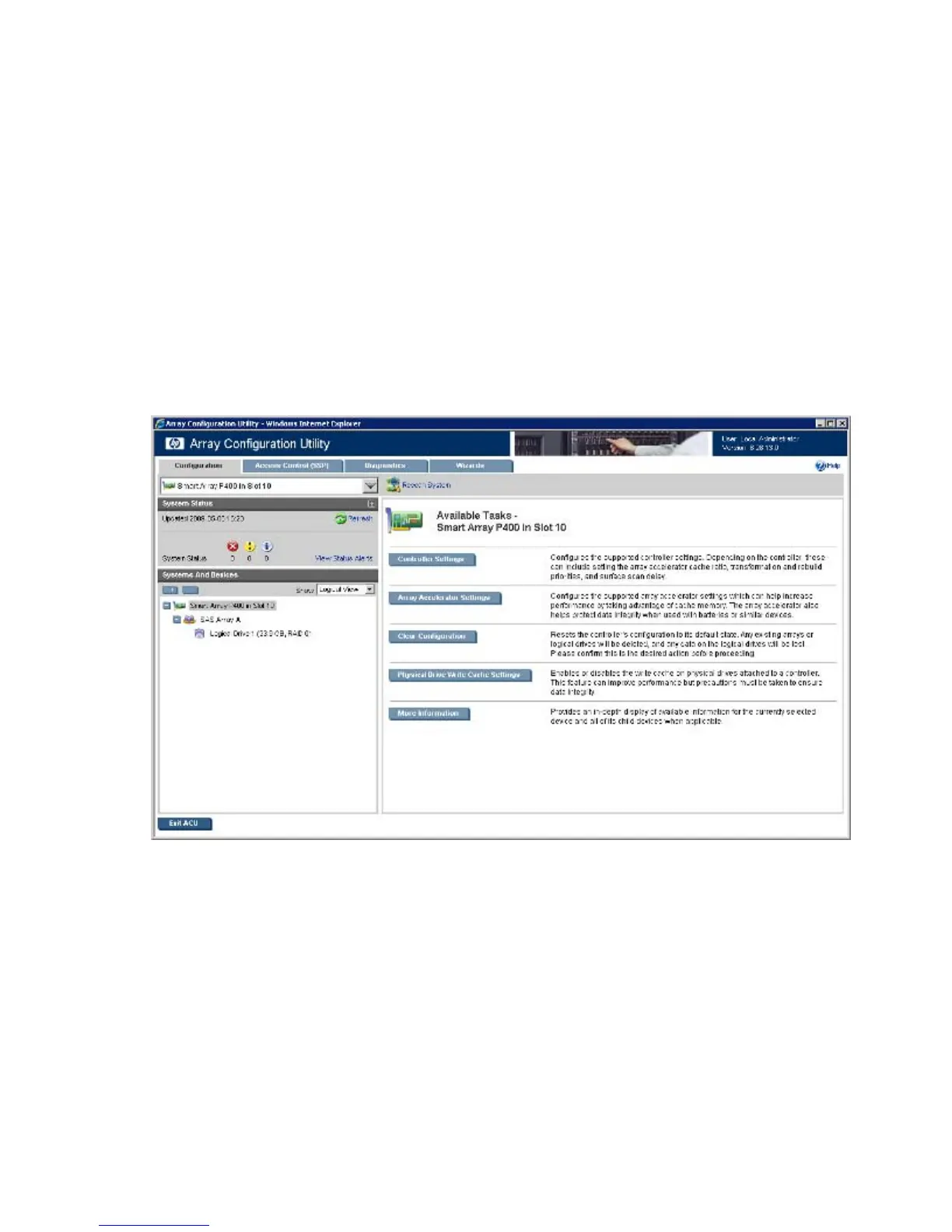
The browser opens and launches ACU, which then scans the system and detects controllers. This
process can last up to 2 minutes. When controller detection is complete, the controllers are available
on the Controller/Device menu.
3. Select a controller from the Controller/Device menu.
The Configuration screen appears.
4. Configure the controller:
o To configure manually, see "Performing a Configuration task (on page 42)."
o To configure with a wizard, see "Using Wizards (on page 51)" or "Using Express Configuration
(on page 52)."
5. When prompted, save the configuration.
6. Do one of the following:
o Configure an additional controller. Repeat steps 3 through 5.
o Click Exit ACU.
7. If you changed to Local Application mode in step 1, and you are finished configuring arrays on this
server, do the following:



 To Next Page