HP Array Configuration Utility 28
Navigating the GUI
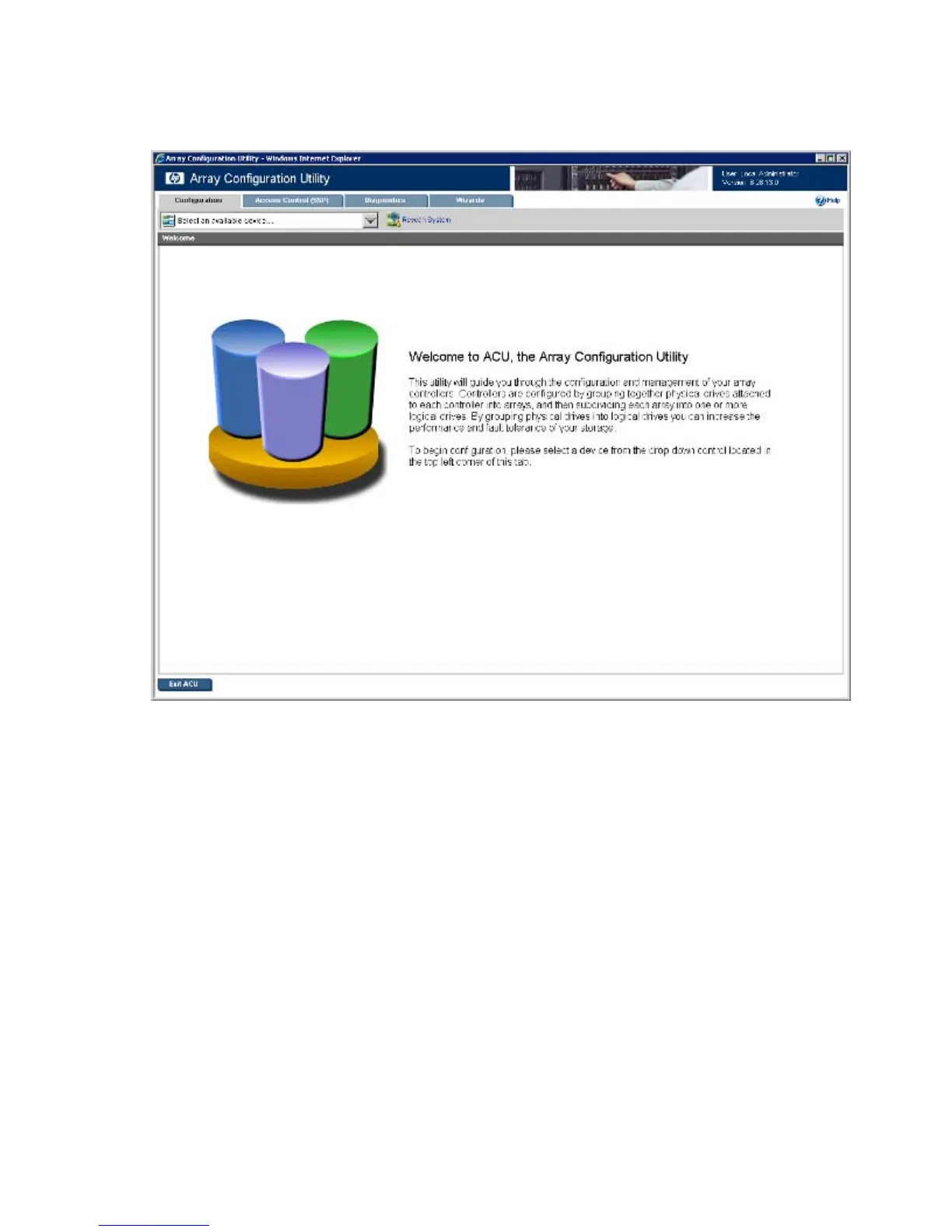
When you open ACU, the Welcome screen appears.
The following elements are visible:
• Three or four tabs appear near the top left of the screen. The latest version of the ACU GUI uses tab
navigation. Clicking a tab displays the screen and tasks for the following categories:
o Configuration—This screen displays available controller and array tasks that the user can select
and complete manually.
In previous versions of ACU, this process was called the Standard Configuration mode. For more
information about this screen, see "Configuration screen (on page 29)."
o Access Control (SSP)—This tab and screen appear only if an attached controller supports SSP.
Tasks on this screen relate only to SSP functionality for the selected controller. For more
information about this screen, see "Access Control (SSP) screen (on page 31)."
o Diagnostics—This screen displays a list of controllers and options for generating, viewing, and
saving diagnostic reports for those controllers.
The ACU Diagnostics feature replaces the Array Diagnostic Utility supported by SmartStart v8.20
and earlier. For more information about this screen, see "Diagnostics screen (on page 34)."
o Wizards—This screen displays available array and controller tasks that ACU can complete
automatically or with minimal user input, such as express configuration.



 To Next Page