HP Array Configuration Utility 40
o
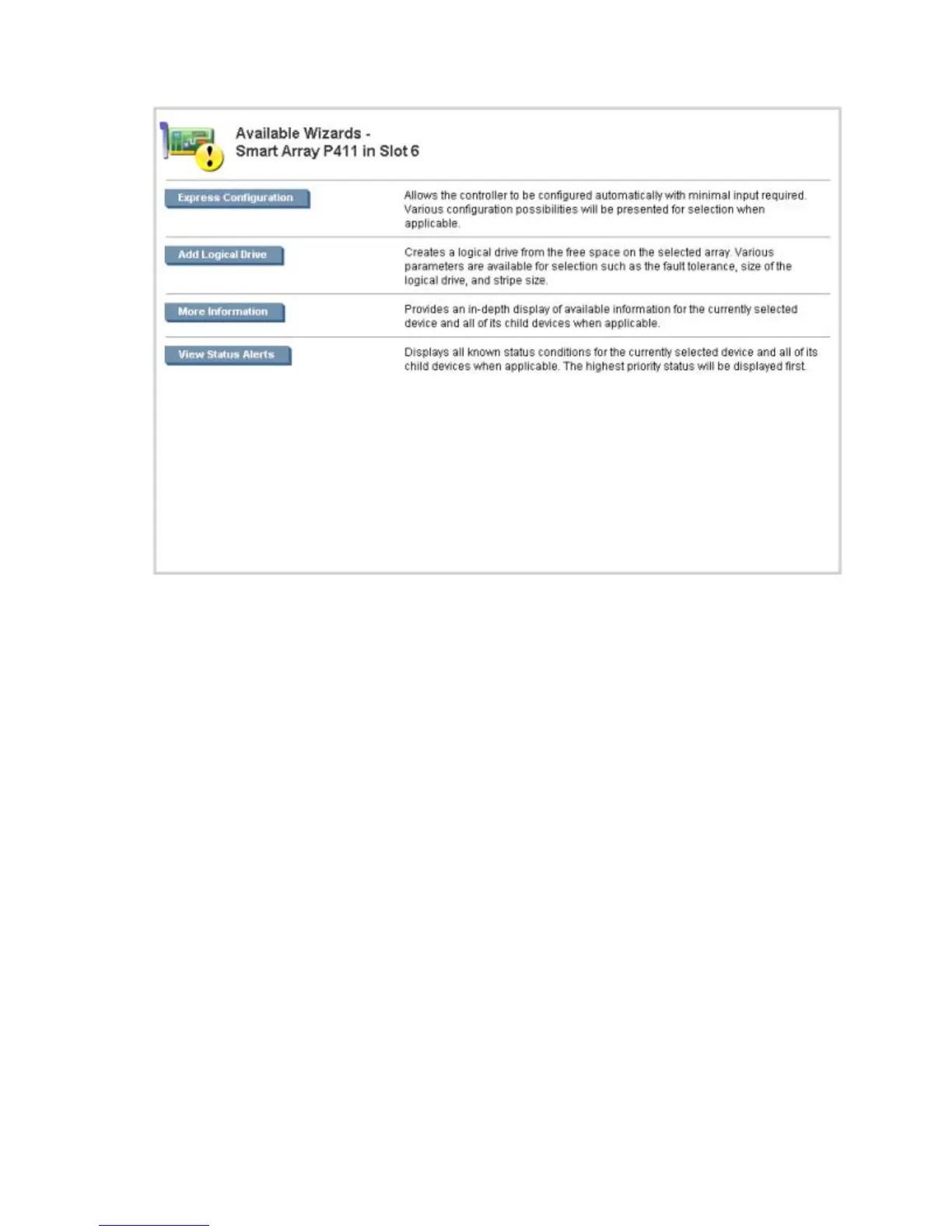
Options and information pertinent to the wizard, after a wizard is selected
For a list of possible wizards that are available on the Wizards screen, see "Wizards (on page 50)."
ACU help
The Help button, at upper right, opens the embedded ACU help file. In addition to providing information
about the main screens and tabs, Help also provides several useful topics for new users, including the
following:
• Image Legend—A visual reference list defining the icons and graphical buttons used in ACU
• Keyboard Controls—An explanation and list of keyboard functions for navigating the GUI
• Keyboard Shortcuts—A list of keys and operations they perform within the GUI
To view these help topics and others, press the H key or click Help. When the Help window opens,
expand the topic "Getting Started with ACU."
The glossary in ACU help defines industry standard and HP terms as they relate to the ACU application.
Configuration tasks
From the Configuration screen, you can perform tasks related to controllers, arrays, physical drives, and
logical drives.
For certain tasks, the controller must have SAAP activated by a registered license key. For more
information, see "About SAAP (on page 8)."
When a controller or device is selected, the tasks that appear are a subset of the total number of possible
tasks for the selected item. ACU lists or omits tasks based on the controller model and configuration. For



 To Next Page