HP Array Configuration Utility 30
o
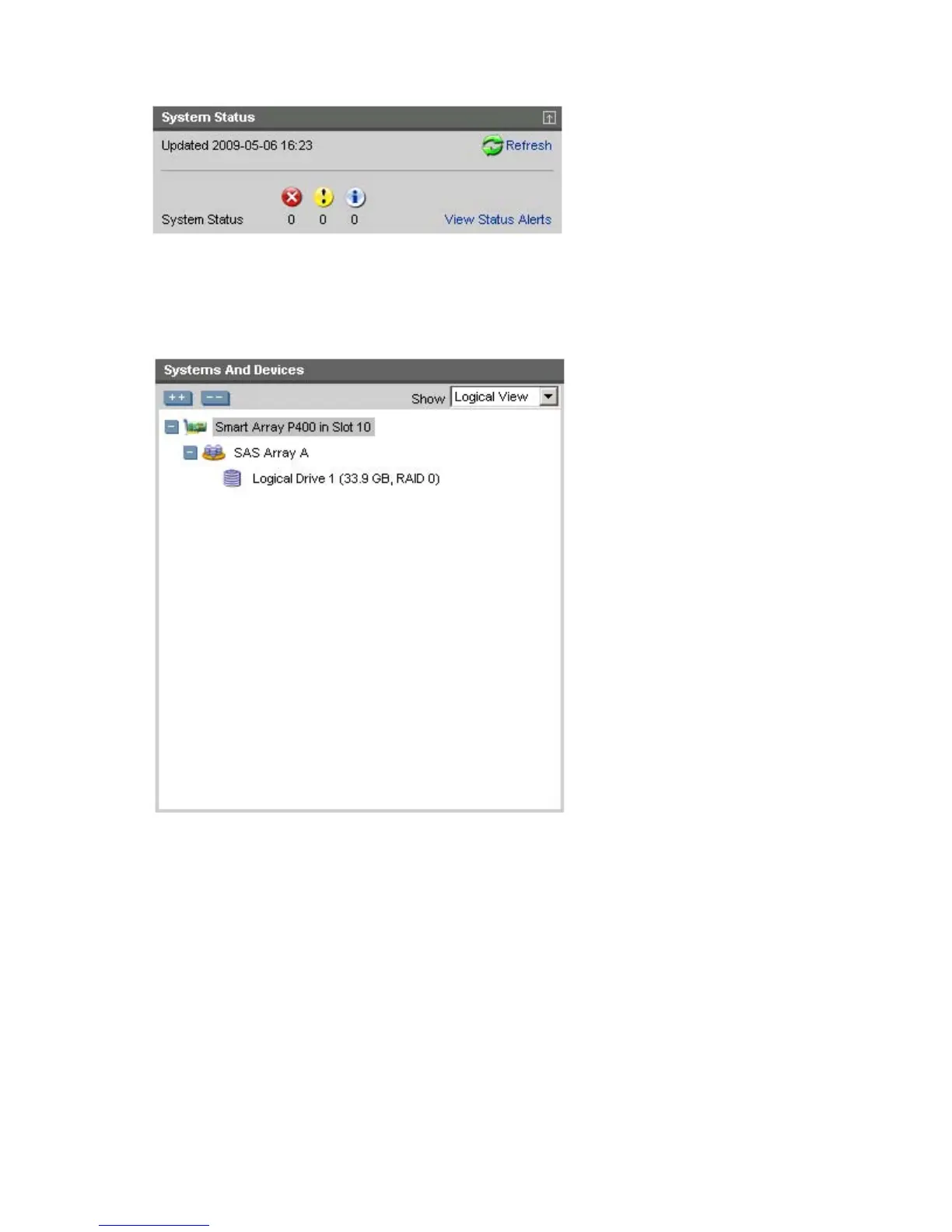
A View Status Alert link that displays device-specific alerts on the right side of the screen
• Systems And Devices—This panel, at left, provides the following information and functionality:
o A tree detailing systems, controllers, arrays, physical drives, and logical drives
o Expand all and collapse all buttons
o A Show menu that toggles between Logical View and Physical View
• Available Tasks—This panel, at right, provides the following information and functionality:
o Tasks that are available for the selected device based on its current status and configuration



 To Next Page