HP Array Configuration Utility 42
To install a license key:
1. Open ACU.
For more information, see "Using the ACU GUI (on page 21)."
If ACU is already open, click the Configuration tab.
2. Select a controller from the Controller/Device menu.
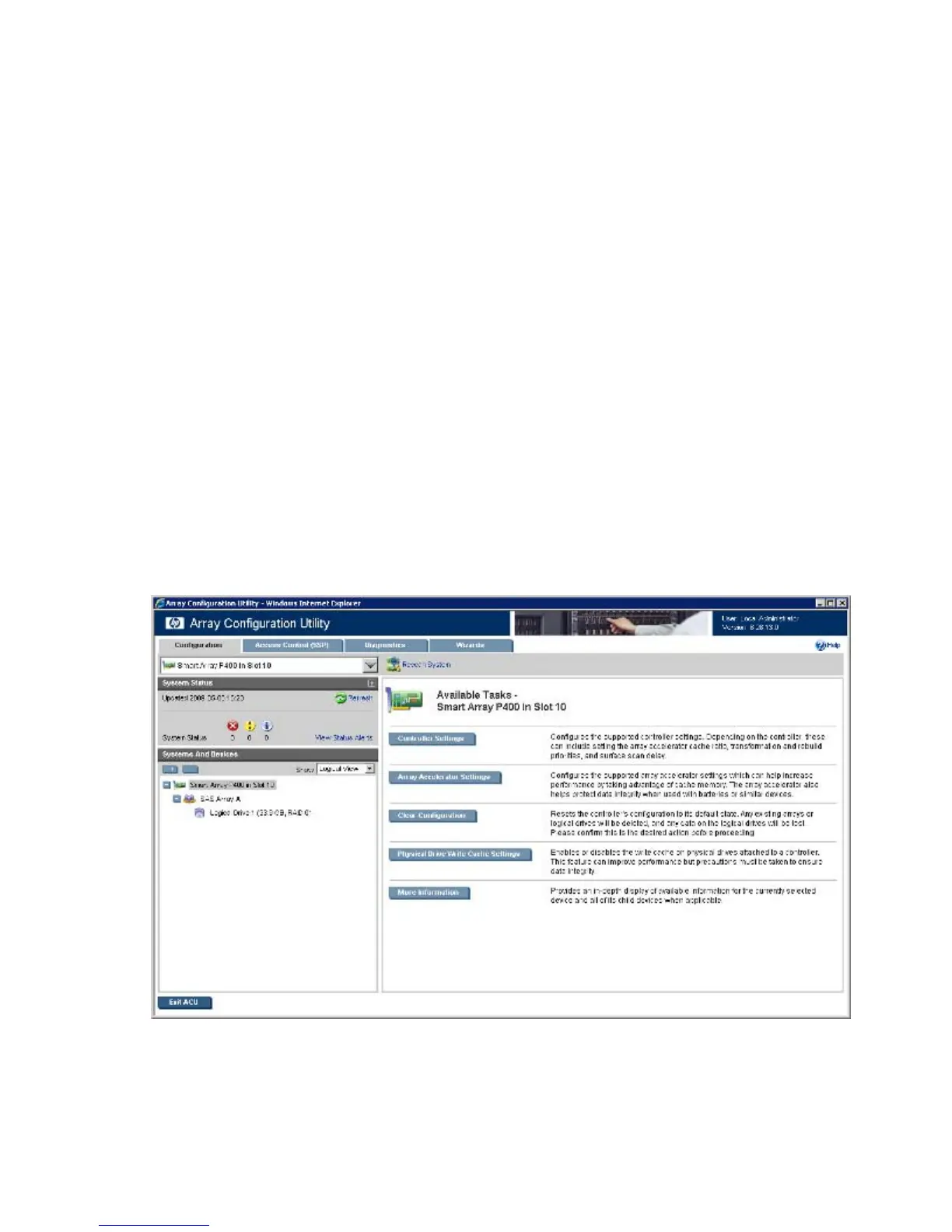
The System Status, Systems And Devices, and Available Tasks panels appear.
3. In the Available Tasks panel, click Manage License Keys.
Specific license key tasks appear. A complete list of existing license keys also appears.
4. Click Add License Key.
5. Enter the license key number.
6. Click Save.
Performing a Configuration task
1. Open ACU.
For more information, see "Using the ACU GUI (on page 21)."
If ACU is already open, click the Configuration tab.
2. Select a device from the Controller/Device menu.
The System Status, Systems And Devices, and Available Tasks panels appear. The listed tasks are
available for this device in its current configuration. For more information, see "Configuration tasks
(on page 40)."
3. Click a task button.



 To Next Page