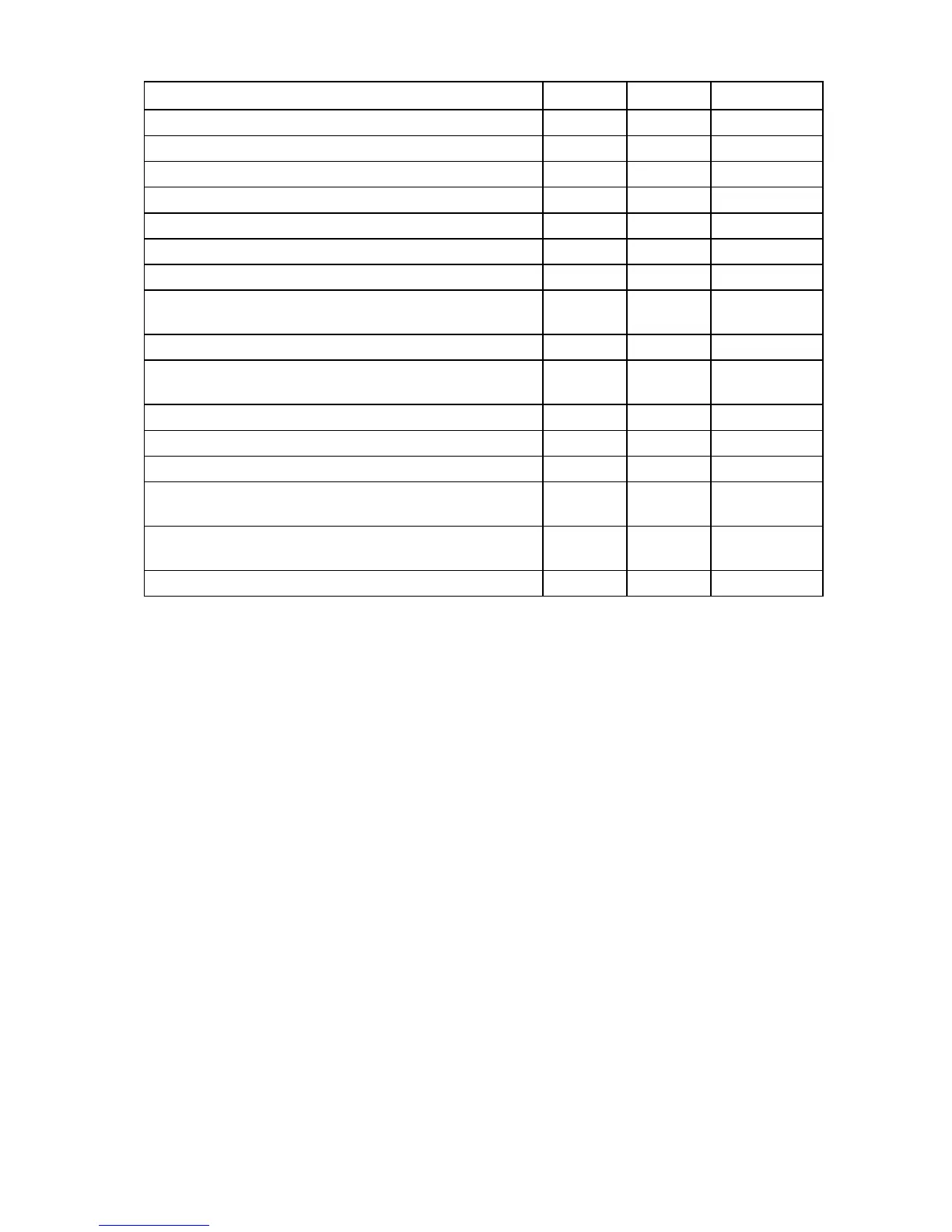
Overview of array configuration tools 7
Procedure ACU GUI ACU CLI ACU Scripting
Activate or delete license keys + + +
Configure multiple systems identically +
1
+
1
+
Configure a RAID 6 logical drive +/– +/– +/–
Configure a RAID 60 logical drive +/– +/– +/–
Copy the configuration of one system to multiple systems –
1
–
1
+
Disable a redundant controller +
2
+ –
Enable or disable a physical drive write cache + + –
HP Drive Erase (replace the content of a physical drive or
logical drive with zeros or random 0 and 1)
+/– +/– –
Identify devices by causing their LEDs to flash + + –
Move an array (copy all array data to a new array and then
delete the old array)
+/–
2
+/– +/–
Optimize the controller performance for video +/–
2
+/– +/–
Re-enable a failed logical drive + + –
Set the surface scan delay + + +
Set the preferred controller for a logical drive (in systems that
support redundant controllers)
+
2
+ +
Shrink an array (restripe the data on an array to occupy fewer
physical drives, then remove the excess drives from the array)
+/–
2
+/– +/–
Split a RAID 1 array or recombine a split array (offline only) +/– – –
1
Scripting is the most efficient method for this task.
2
The task is supported only from the Configuration screen.



 To Next Page