1-2
Introducing the HP 2920 Switches
Fronts of the Switches
Fronts of the Switches
PoE/PoE+ Switches
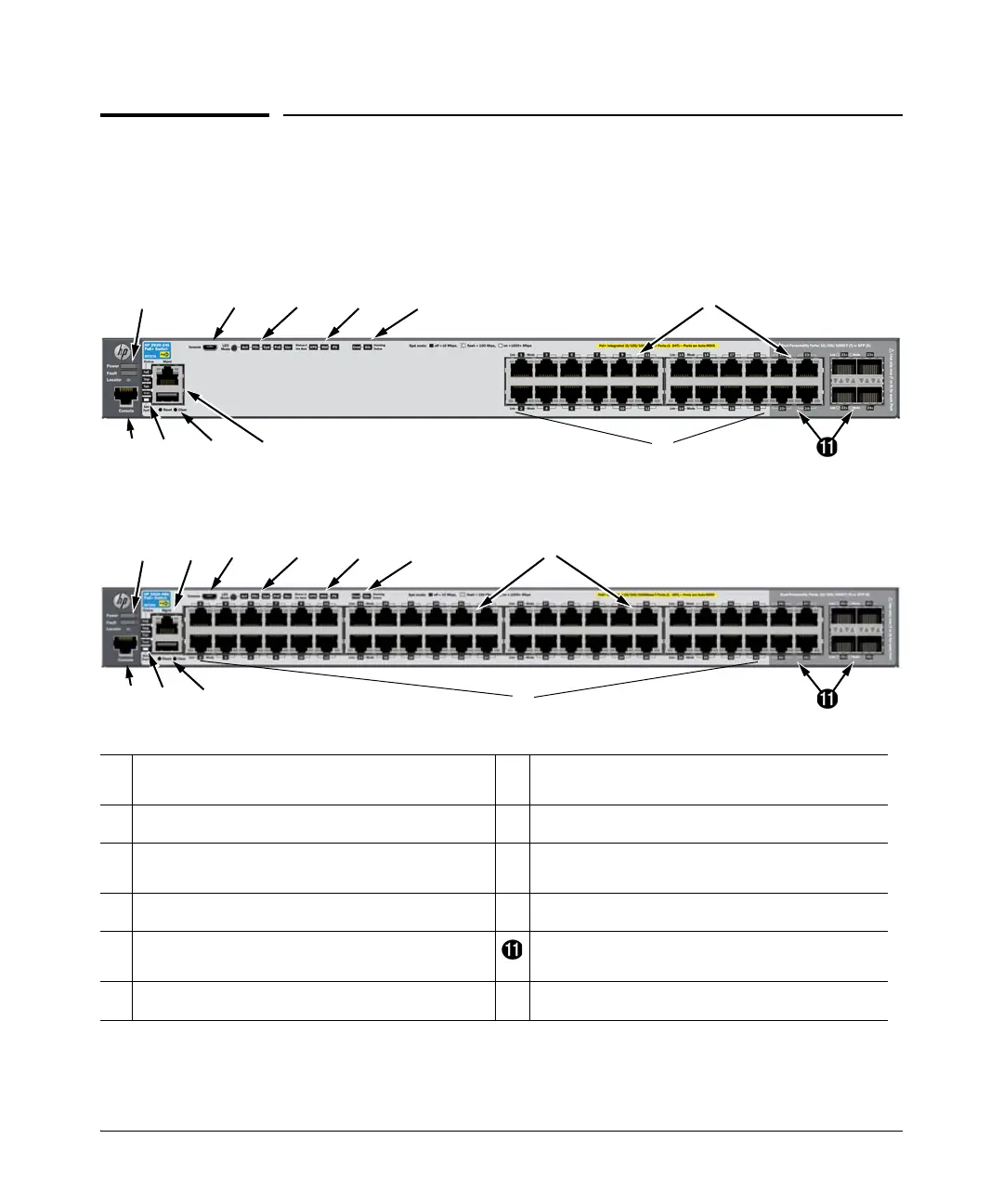
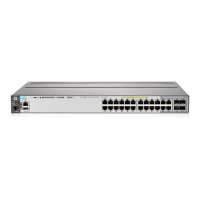
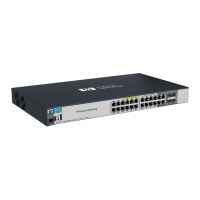
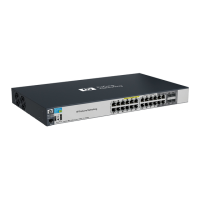
Figure 1-1. Front of the HP 2920-24G-PoE+ Switch
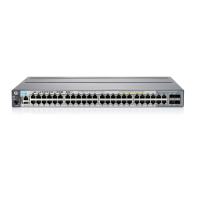
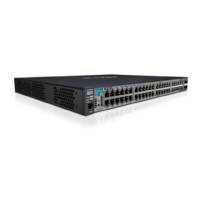
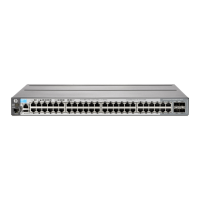
Figure 1-2. Front of the HP 2920-48G-PoE+ Switch
➊
Power, Fault, and Locator LEDs
➐
PoE, Tmp (Temperature), Test, Fan, and Aux
(Auxiliary) port status LED
➋
LED Mode button and indicator LEDs
➑
Reset and Clear buttons
➌
Status LEDs for components on the back of the
switch
➒
Aux port and Out-of-Band Management port
➍
Stacking status LEDs
➓
10/100/1000BASE-T PoE+ RJ-45 ports
➎
Switch port LEDs Dual-Personality (10/100/1000BASE-T or SFP)
ports
➏
Console ports




 To Next Page