1-3
Introducing the HP 2920 Switches
Fronts of the Switches
Non-PoE Switches
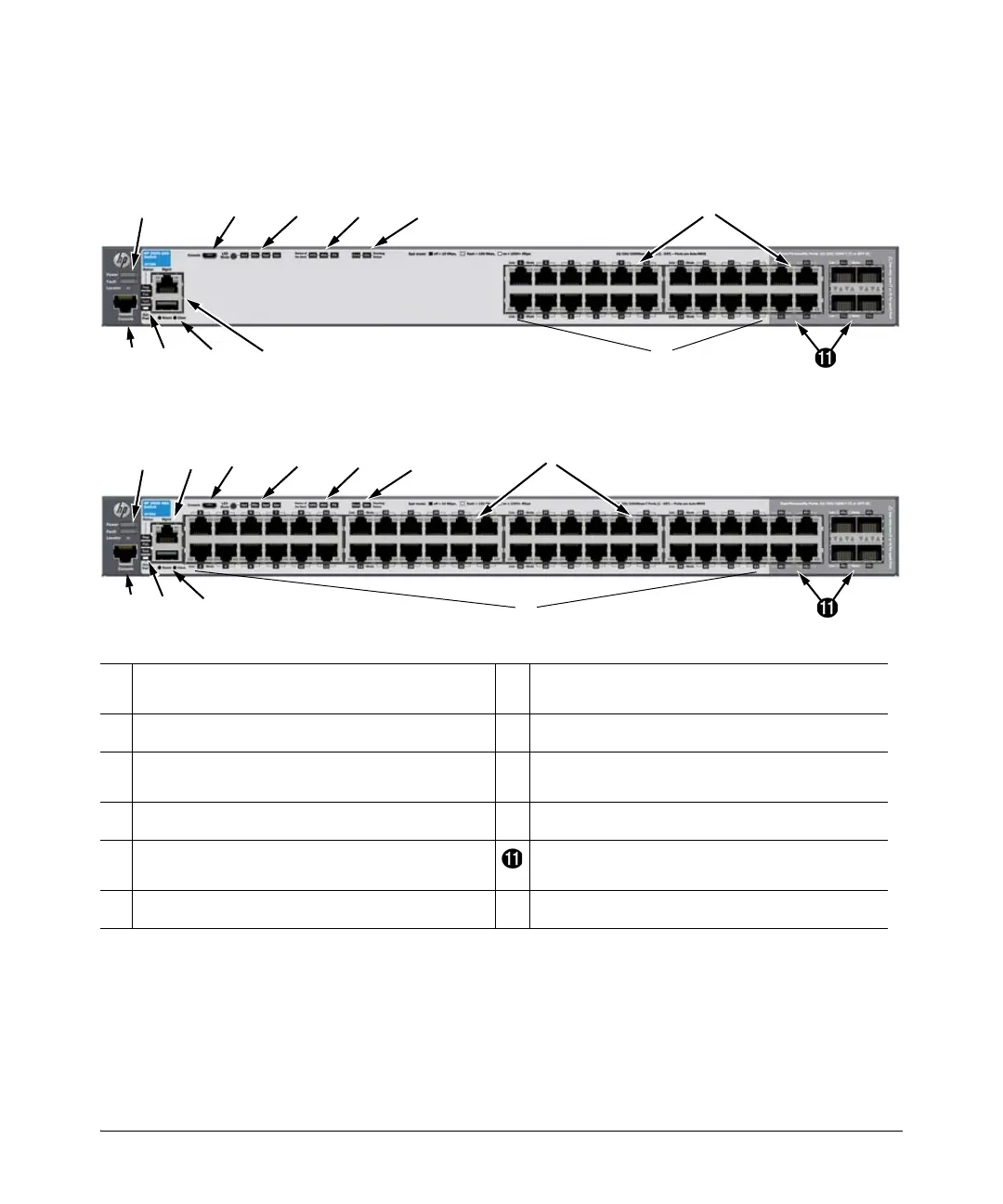
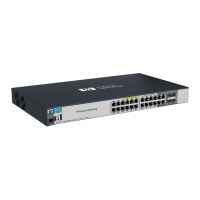
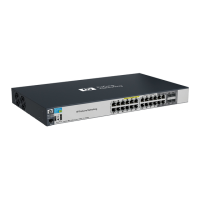
Figure 1-3. Front of the HP 2920-24G Switch
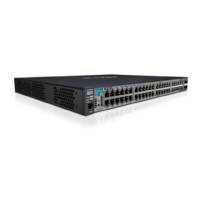
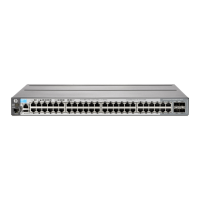
Figure 1-4. Front of the HP 2920-48G Switch
➊
Power, Fault, and Locator LEDs
➐
Tmp (Temperature), Test, Fan, and Aux
(Auxiliary) port status LED
➋
LED Mode button and indicator LEDs
➑
Reset and Clear buttons
➌
Status LEDs for components on the back of the
switch
➒
Aux port and Out-of-Band Management port
➍
Stacking status LEDs
➓
10/100/1000BASE-T RJ-45 ports
➎
Switch port LEDs Dual-Personality (10/100/1000BASE-T or SFP)
ports
➏
Console ports



 To Next Page