1-5
Introducing the HP 2920 Switches
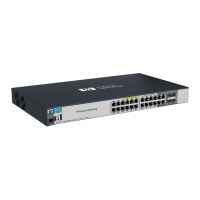
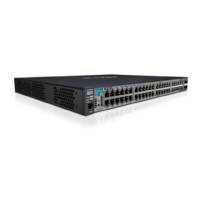
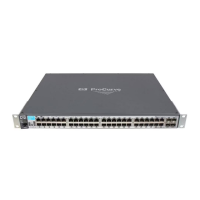
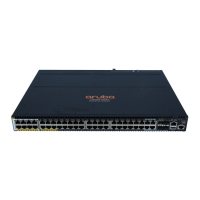
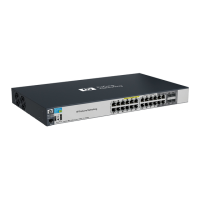
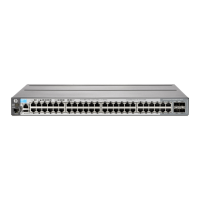
Fronts of the Switches
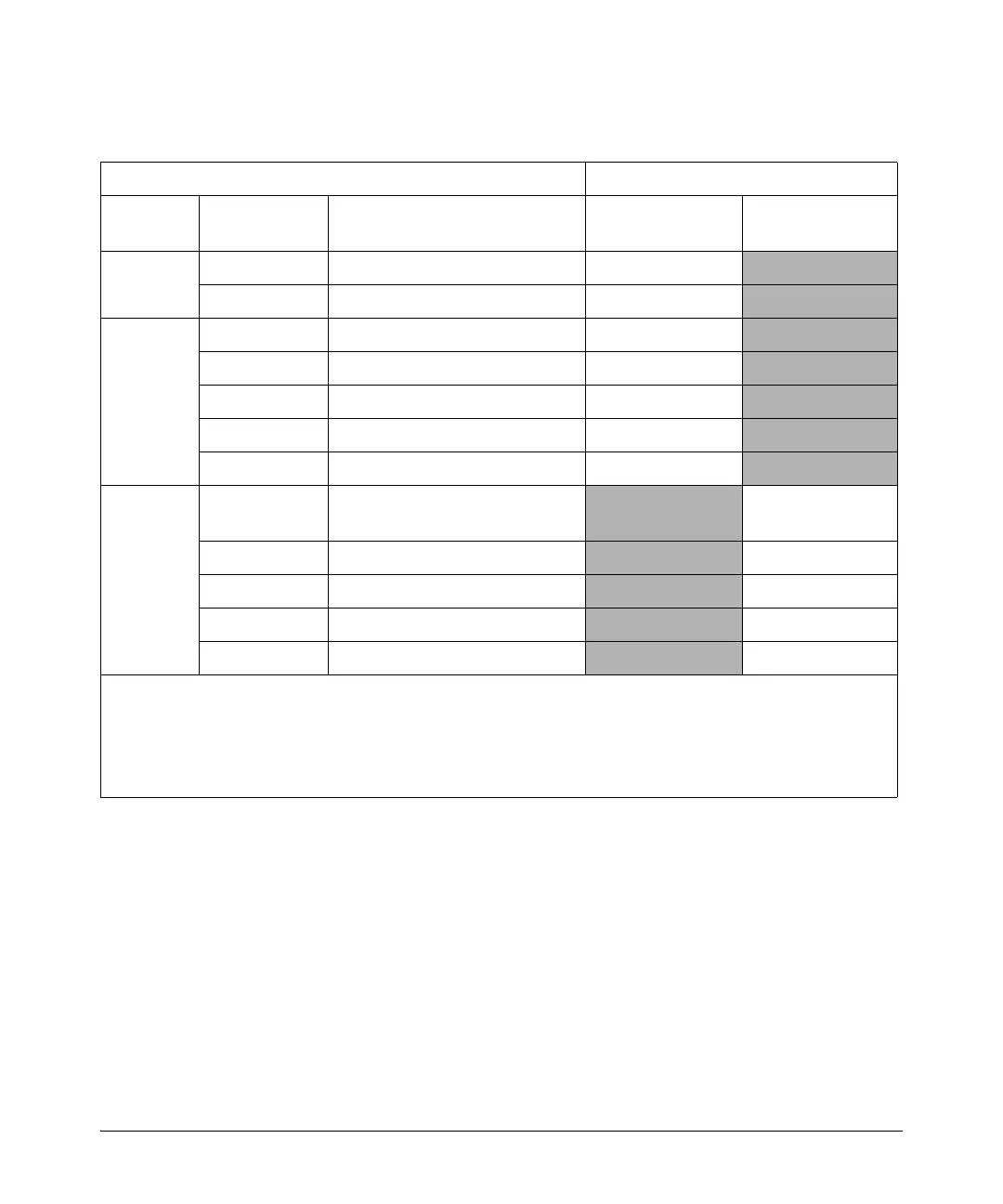
Table 1-2. Optional Network Connectivity, Speeds and Technologies
Transceiver Form-Factor and Connector
1
Speed Technology Cabling SFP
Connector
SFP+
Connector
100 Mbps
100-FX Fiber (multimode) LC
100-BX Fiber (single mode) LC
1 Gbps
1000-T Copper (twisted-pair) RJ-45
1000-SX Fiber (multimode) LC
1000-LX Fiber (multimode or single mode) LC
1000-LH Fiber (single mode) LC
1000-BX Fiber (single mode) LC
10 Gbps
10-Gig
Direct Attach
Copper (twinaxial)
Not
Applicable
10-Gig SR Fiber (multimode)
LC
10-Gig LRM Fiber (multimode) LC
10-Gig LR Fiber (single mode) LC
10-Gig ER Fiber (single mode) LC
1
For supported transceivers, visit www.hp.com/networking/support.
– In the first textbox, type J4858 (for 100-Mb and Gigabit information), or J8436 (for 10-Gigabit information).
– Select any of the products that display in the dropdown list.
– Select Product support information. Then click on Manuals and find the Transceiver Support Matrix.
For technical details of cabling and technologies see “Cabling and Technology Information” in the appendices.




 To Next Page