EasyManua.ls Logo

HP 54600A - Page 52

HP 54600A
60 pages
Print Icon
To Next Page IconTo Next Page
To Previous Page IconTo Previous Page
Loading...
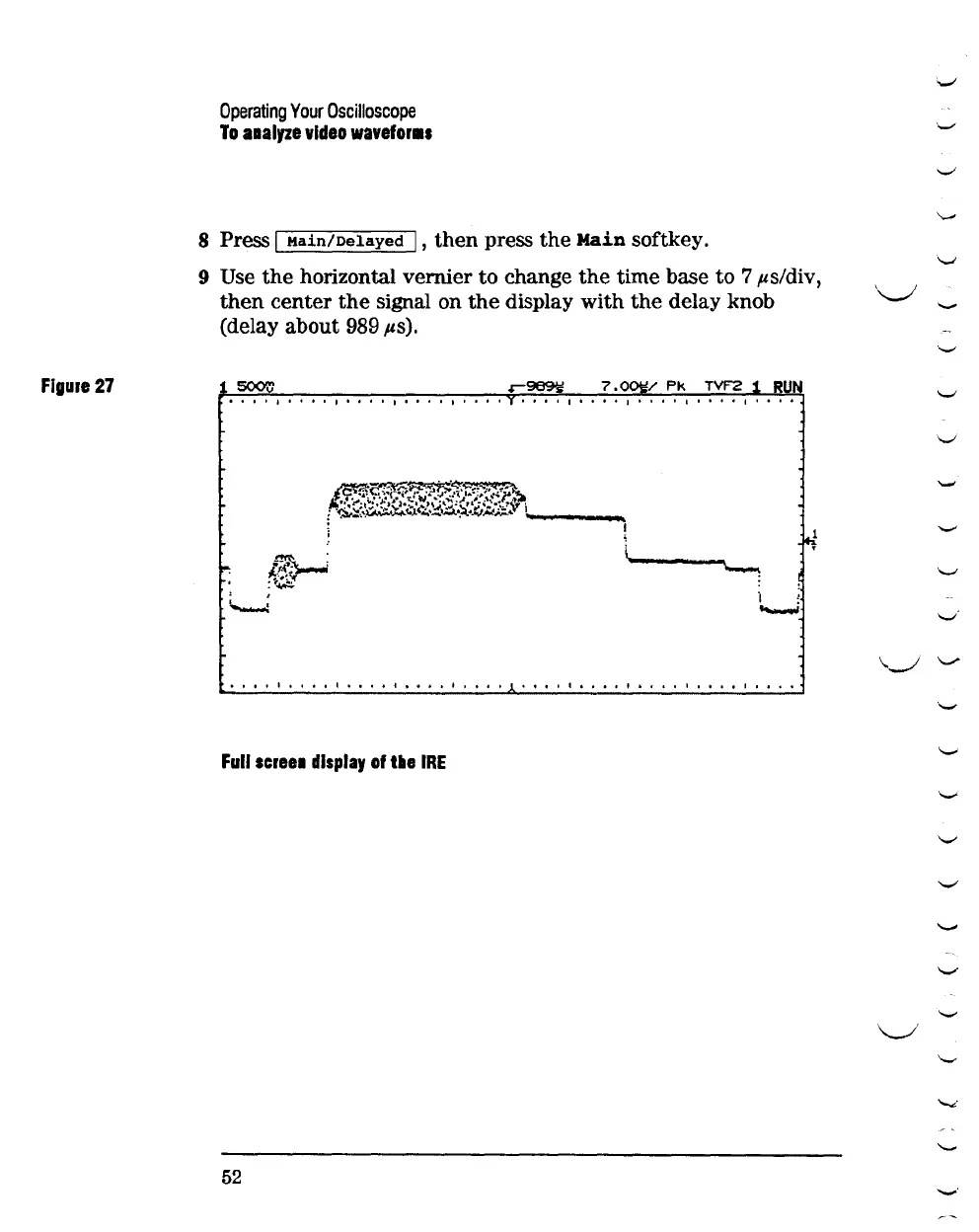
Figure
27
Operating
Your
Oscilloscope
To
aaalyze
video
wavefor•s
8 Press I
Main/Delayed
I ,
then
press
the
Main
softkey.
9 Use
the
horizontal vernier
to
change
the
time base
to
7 ,us/div,
then
center
the
signal on
the
display
with
the
delay knob
(delay about 989
.us).
7.0
/
Pk
TVF2
1
RUN
•••
I I
I. I.
I
••
0.
I
I.
0 I I I
••
0
I. I.
I
I. I.
I
••
I I
I.
I
0.
I.
I 0 I
l~
:~$
' '
'--...:
o o I I I o o o 1 I o o o o
too
o o I 1 o o o o 1 1 o I 1 o 1 1 I o o o 1 I o o o o I 1 o o o
Full
scree•
display
of
tile
IRE
52
'.._;
'--'
'-"
'-'
'-'
'..__.;
,__
'-'
'-'
'-'
........,
_.
'-'
'-'
\.._/
-.._.,.
"-'
'-'
"-'
"-'
.._,
'-"
.._,
,__
\_/
'-'
"'"'"'
'--
'-"'

Related product manuals