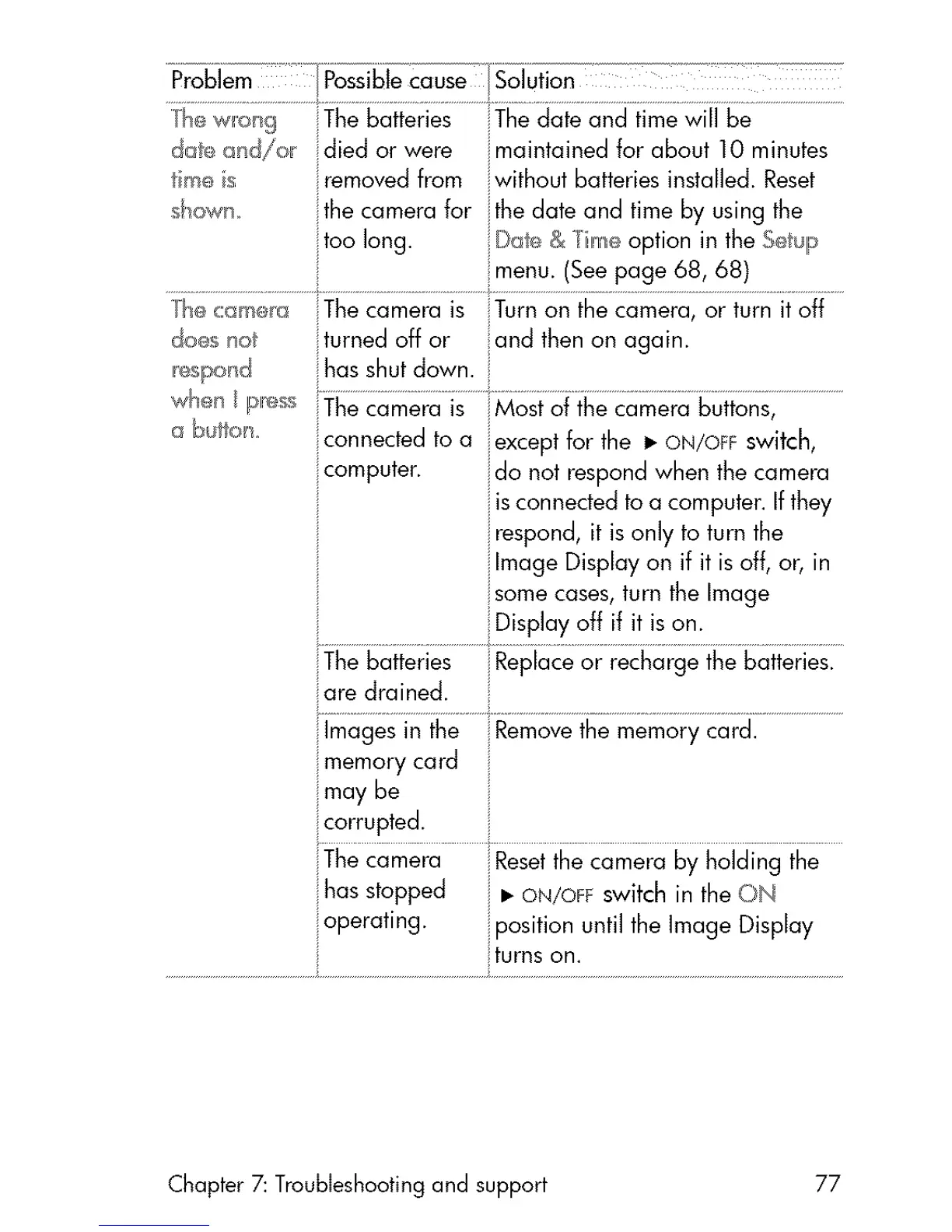
ThewHol_g liThebatteries The date and time will be
date and/or died or were _maintainedfor about 10 minutes
ne s removedfrom without batteries installed. Reset
_own the camera for ithe date and time by using the
too long. _iDa_,_& /im_ option in the S_ _lp
::menu. (Seepage 68, 68)
}_ c:am_r_ The camera is ::Turnon the camera, or turn it off
do_s no turned off or and then on again.
_hasshut down.
a bullock, connectedto a iexcept for the • ON/OFFswitch,
computer, ido not respondwhen the camera
iisconnectedtoa computer.If they
irespond, it is only to turn the
ilmage Display on if it is off, or, in
some cases,turn the Image
Thebatteries Replaceor recharge the batteries.
are drained.
::lmagesin the Removethe memory card.
iImemory card
may be
corrupted.
The camera Resetthe camera by holding the
_hasstopped • ON/O_Fswitch in the ON
operating, oosition until the Image Display
turns on.
Chapter 7: Troubleshooting and support 77



 To Next Page