114
Configure static routing-track-NQA collaboration to determine whether the master route is available
in real time. If the master route is unavailable, the backup route takes effect, and Switch D forwards
packets to 20.1.1.0/24 through Switch C.
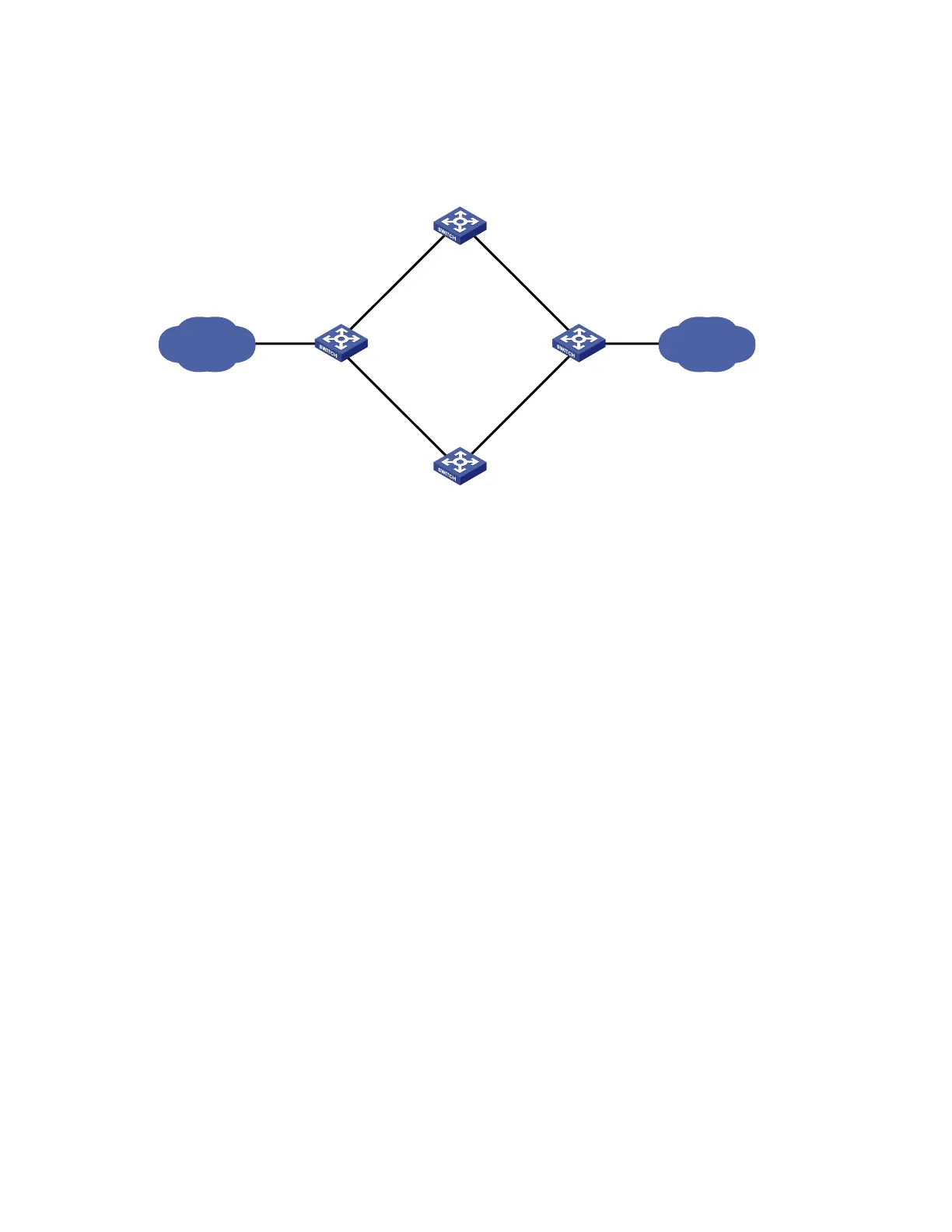
Figure 29 Network diagram for static routing-track-NQA collaboration configuration
Vlan-int5
10.2.1.2/24
Vlan-int2
10.1.1.2/24
Vlan-int2
10.1.1.1/24
Switch B
Switch A
Switch C
Vlan-int3
10.3.1.1/24
Vlan-int3
10.3.1.3/24
Vlan-int4
10.4.1.3/24
Switch D
Vlan-int5
10.2.1.4/24
Vlan-int4
10.4.1.4/24
30.1.1.0/2420.1.1.0/24
Vlan-int6
20.1.1.1/24
Vlan-int7
30.1.1.1/24
Configuration procedure
1. Create VLANs, and assign ports to the VLANs. Configure the IP address of each VLAN interface as
shown in Figure 29. (Details not shown)
2. Configure Switch A.
# Configure a static route to 30.1.1.0/24, with the address of the next hop as 10.1.1.2 and the default
priority 60. This static route is associated with track entry 1.
<SwitchA> system-view
[SwitchA] ip route-static 30.1.1.0 24 10.1.1.2 track 1
# Configure a static route to 30.1.1.0/24, with the address of the next hop as 10.3.1.3 and the priority
80.
[SwitchA] ip route-static 30.1.1.0 24 10.3.1.3 preference 80
# Configure a static route to 10.2.1.4, with the address of the next hop as 10.1.1.2.
[SwitchA] ip route-static 10.2.1.4 24 10.1.1.2
# Create an NQA test group with the administrator admin and the operation tag test.
[SwitchA] nqa entry admin test
# Configure the test type as ICMP-echo.
[SwitchA-nqa-admin-test] type icmp-echo
# Configure the destination address of the test as 10.2.1.4 and the next hop address as 10.1.1.2 to check
the connectivity of the path from Switch A to Switch B and then to Switch D through NQA.
[SwitchA-nqa-admin-test-icmp-echo] destination ip 10.2.1.4
[SwitchA-nqa-admin-test-icmp-echo] next-hop 10.1.1.2
# Configure the test frequency as 100 ms.
[SwitchA-nqa-admin-test-icmp-echo] frequency 100


 To Next Page