EasyManua.ls Logo

HP c8000 - Cable Pin-Outs; Enhanced Keyboard; Mouse; Ethernet

HP c8000
114 pages
Print Icon
To Next Page IconTo Next Page
To Previous Page IconTo Previous Page
Loading...
Technical Reference Guide C–1
C
Cable Pin-Outs
This appendix contains the pin assignments for many workstation connectors. Some of these
connectors may not be used on the product being serviced.
Enhanced Keyboard
The keyboard uses the USB port. Refer to “USB” on page 2 for more information.
Mouse
The mouse uses the USB port. Refer to “USB” on page 2 for more information.
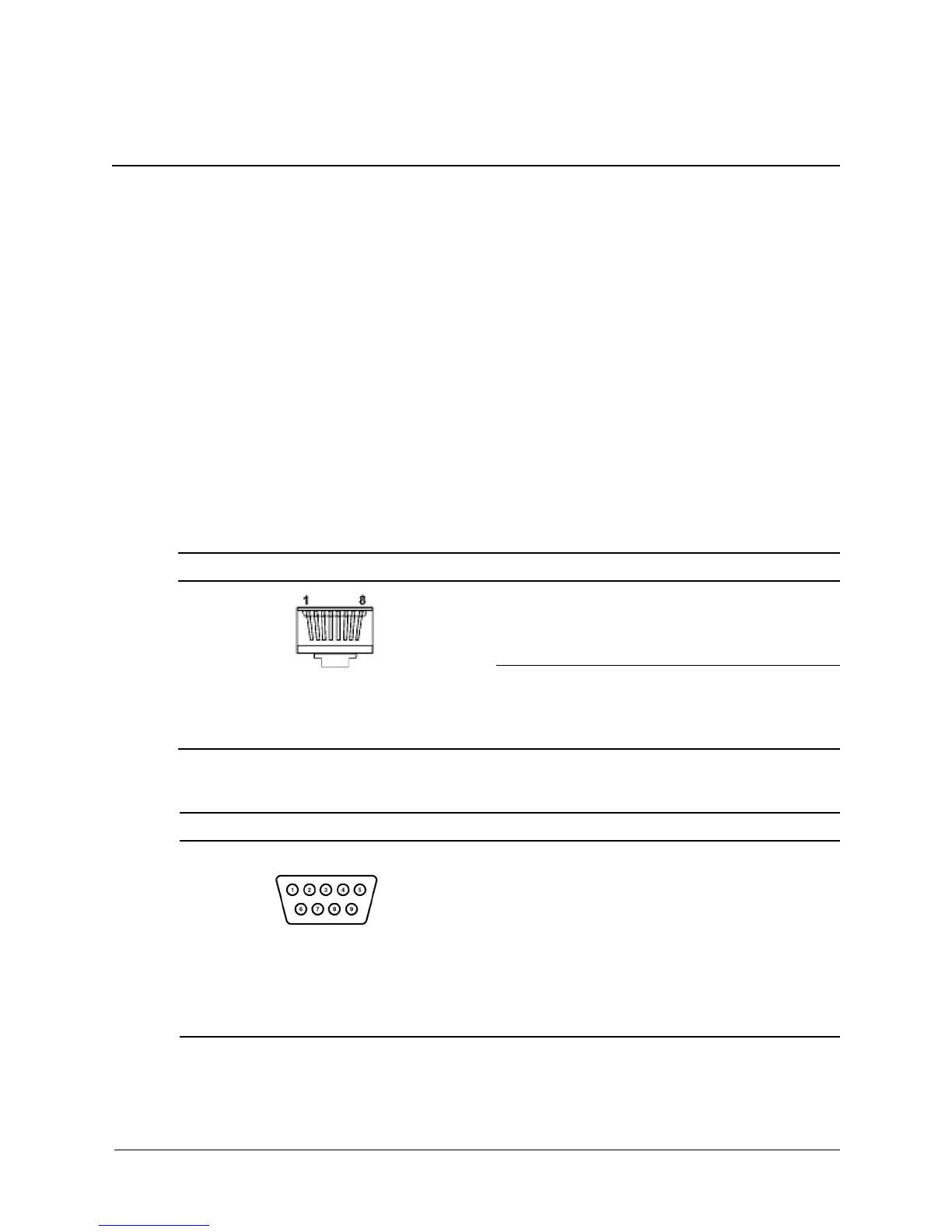
Ethernet RJ-45
Serial Interface
connector pin signal
1
2
3
4
(+) Transmit Data
(-) Transmit Data
(+) Receive Data
Unused
5
6
7
8
Unused
(-) Receive Data
Unused
Unused
connector pin signal
1
2
3
Carrier Detect
Receive Data
Transmit Data
4
5
6
Data Terminal Ready
Signal Ground
Data Set Ready
7
8
9
Request to Send
Clear to Send
Ring Indicator

Table of Contents

Other manuals for HP c8000

Related product manuals