Technical Reference Guide 3–27
Installing or Replacing Parts
Hard Drive and Chassis Fans
In addition to the fan attached to the airflow guide (page 3-9), two cooling fans are mounted at
the front and rear of the system.
Removing the Hard Drive and Chassis Fans
1. Turn off the system, disconnect the power cable, and remove the system access panel and
airflow guide.
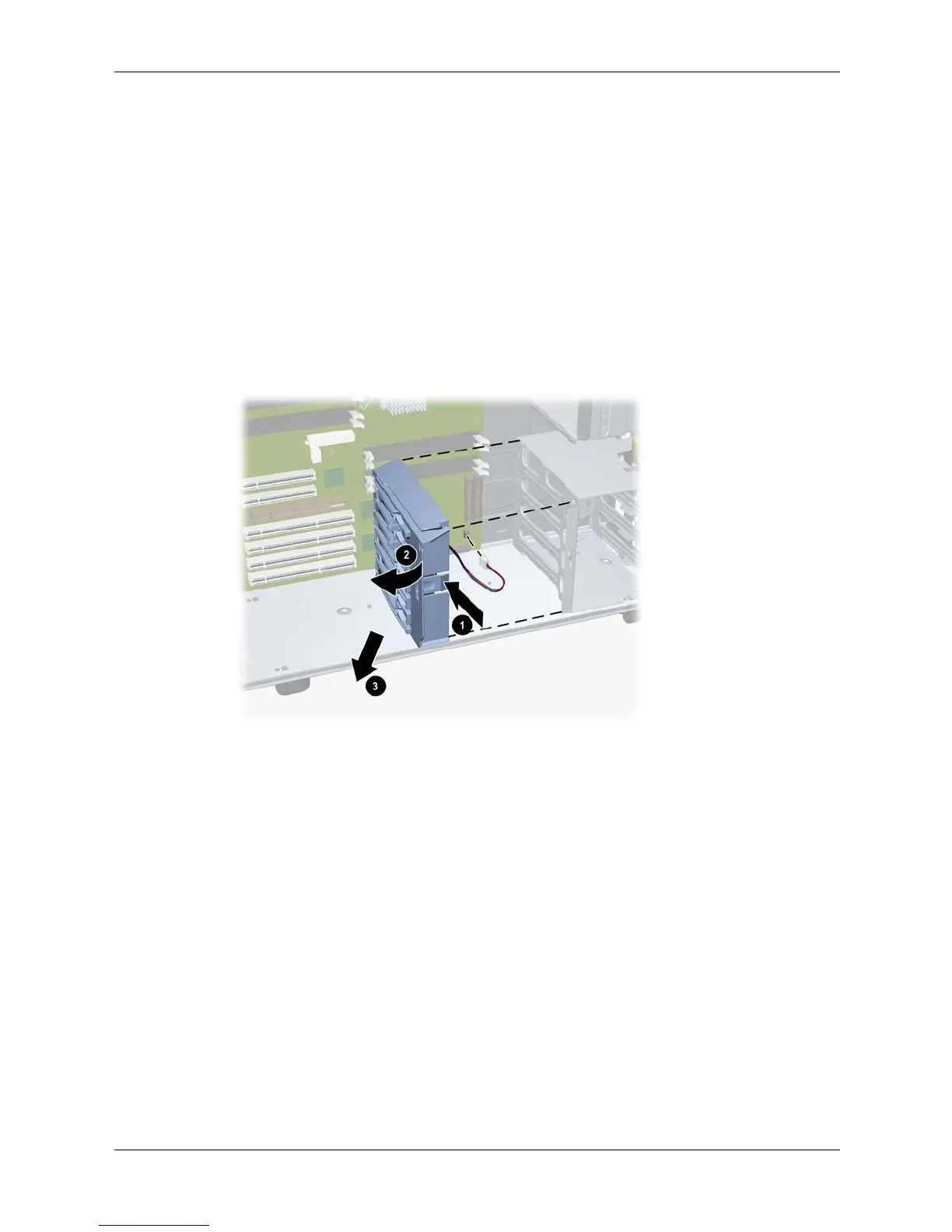
2. To remove the hard drive fan:
a. Unplug the fan power cable from the system board.
b. Push in on the snap on the side of the fan 1. Then rotate the fan towards the rear of the
chassis 2 and lift it out of the system 3.
Removing hard drive fan





 To Next Page