2 Getting Started
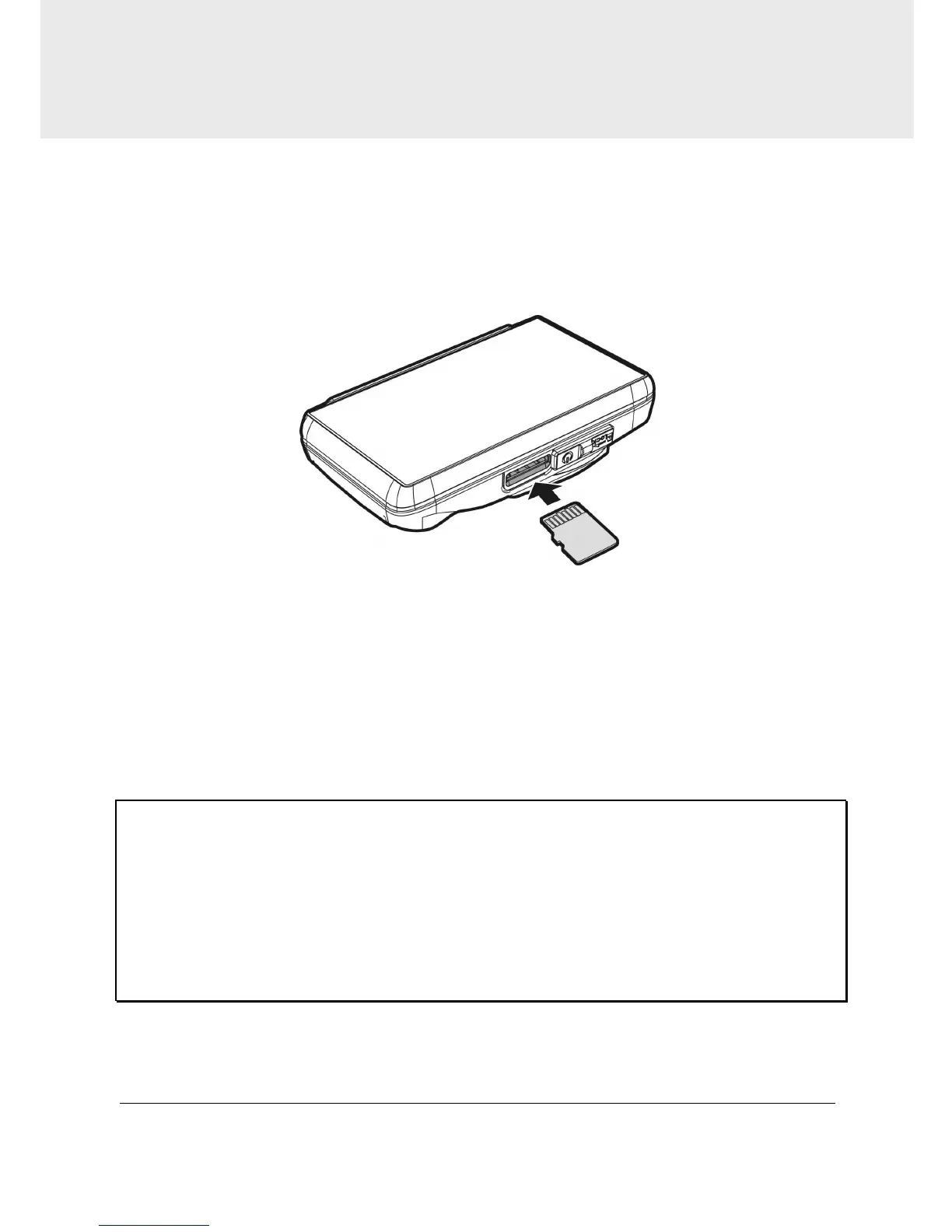
2.1 Inserting the Memory Card
Insert memory card with the gold section facing upward and the screen
of the camcorder facing upward too, as illustrated. Push the memory
card in until a click sound is heard, indicating the card is in position.
To remove the memory card
Push to eject the memory card out of the slot.
Note:
1. Do not remove or insert the memory card when the camcorder is turned on. This
may damage the memory card.
2. Please use a Class 6 or higher rating Micro SD card, max. up to 32GB.
3. Please format the micro SD cards before the initial use.
4. When removing the memory card, be careful that the card may spring out and get
lost. The memory slot has this spring-out feature for easy removal of the card.



 To Next Page