2.6 Initial Settings
Before using the camcorder, we recommend you to enable the
Automatic Record function and set up the correct Date and Time.
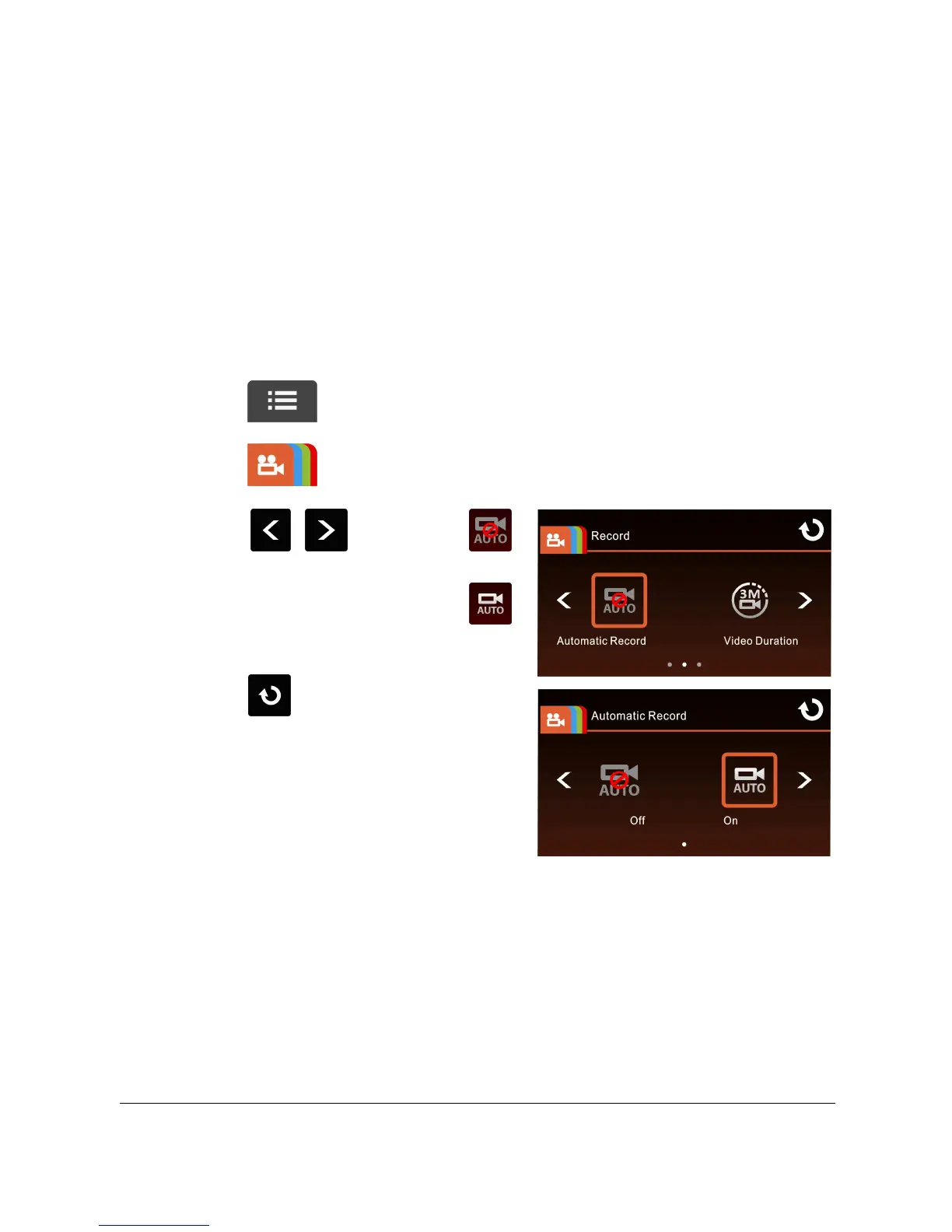
2.6.1 Set Automatic Record
Default setting of Automatic Record is Enabled. The camcorder will
automatically start recording when powered on. In case Automatic
Record is disabled, enable it by the following steps:
1. Touch to enter Main Menu.
2. Touch to switchover to Record Main Menu.
3. Touch / to select
for entering Automatic Record
function menu; touch
again to select ON.
4. Touch to return to Record
screen.



 To Next Page