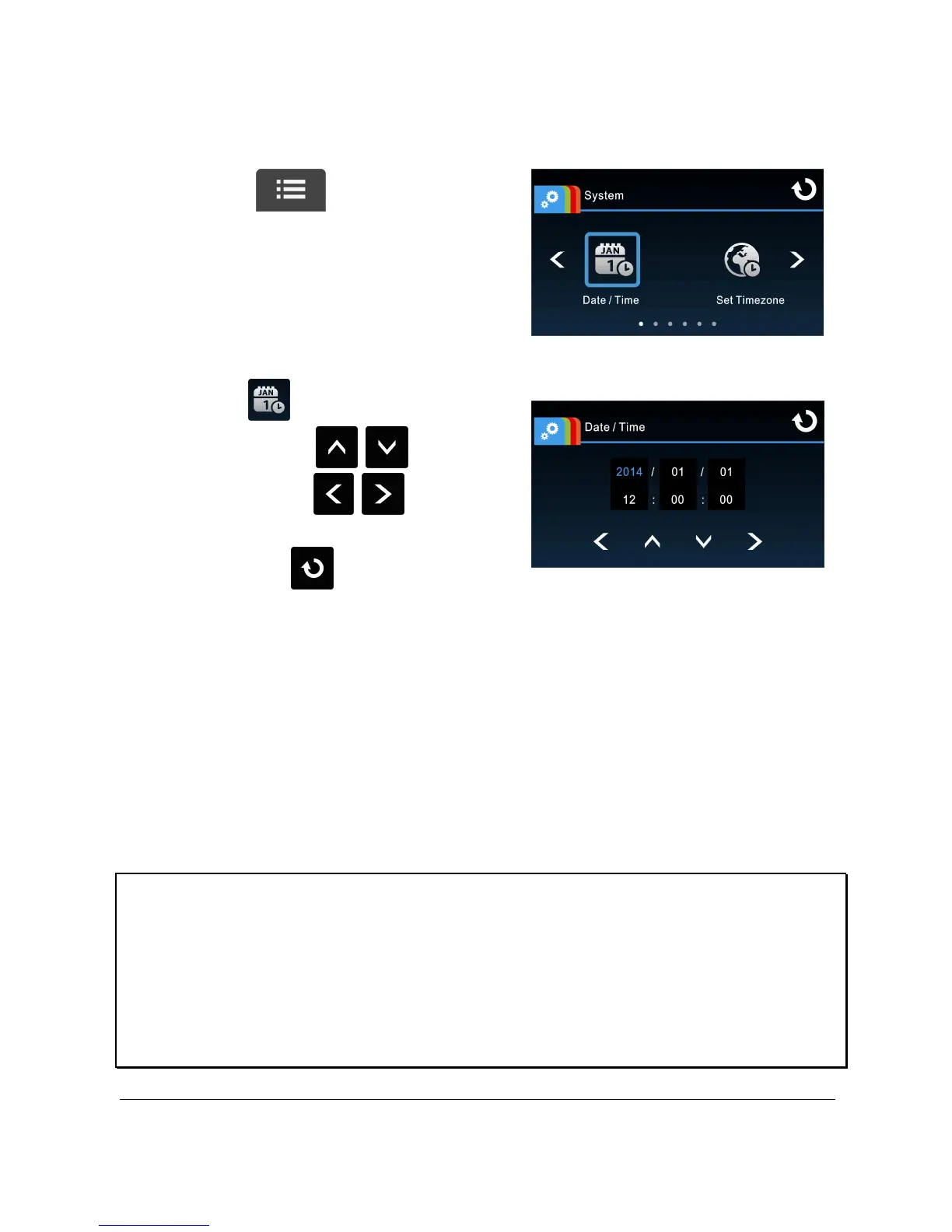
2.6.2 Set the Date / Time
To set the correct date and time, do the following:
1. Touch to enter Main
Menu.
2. Select to enter Date / Time
menu. Touch / to select
value; touch / to select
previous or next field; confirm by
touching to complete
setting.
Note:
1. When the battery is depleted and the satellite synchronization is off, you must reset
the date/time before the function -automatic record is started. If the user doesn't
reset the date/time, the camcorder will give you an alert after one minute and the
automatic record will be started .
2. But if the satellite synchronized ,the camcorder can do automatic record
immediately.



 To Next Page