Reset of date / time
Prompt
Remind the user to reset the Date /
Time before start to use the
camcorder. Please refer to Set the
Date / Time ( 2.6.2)
11
Emergency
Recording
During video recording, touch
to enter emergency
recording mode. Please refer to
Emergency Recording (3.1.6).
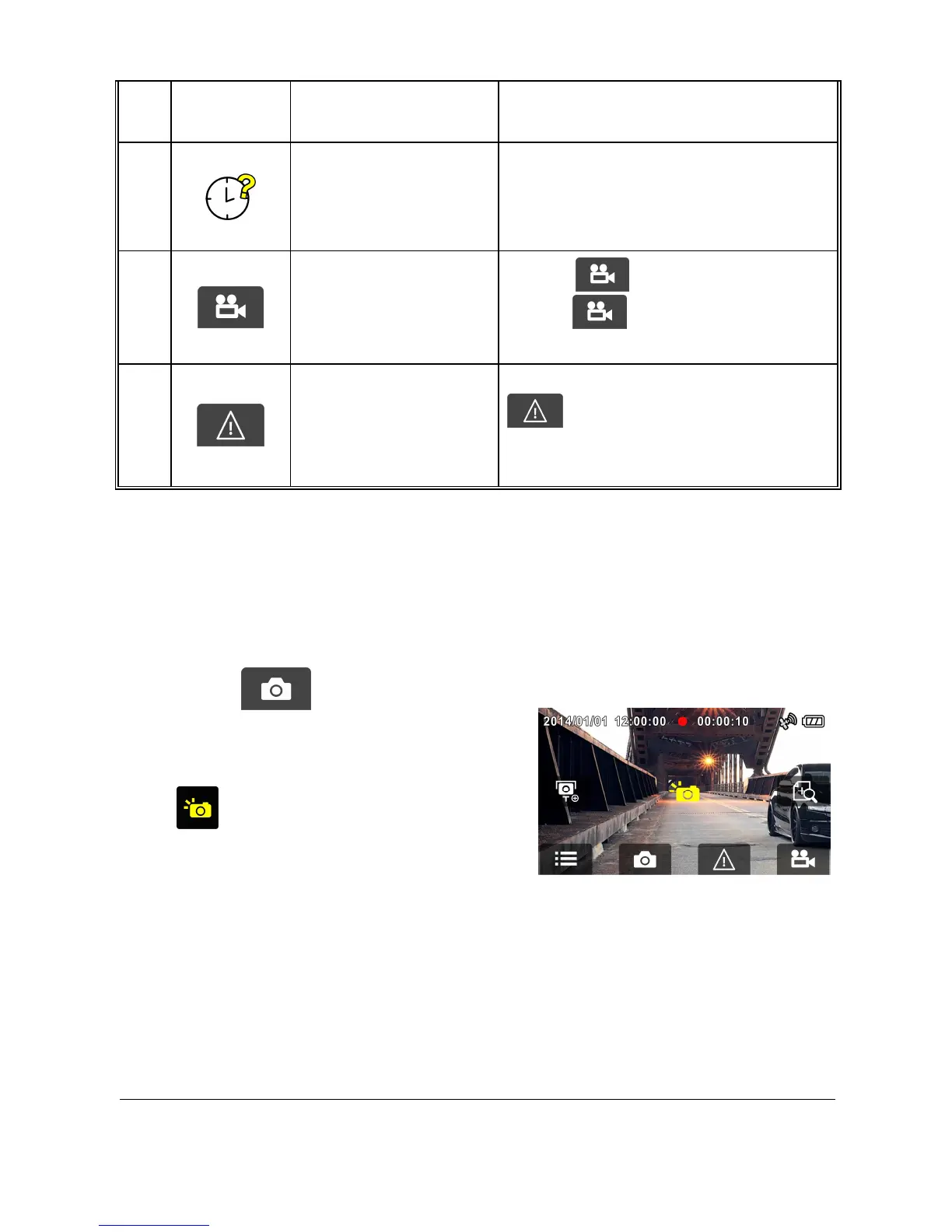
3.1.8 Taking Snapshot
You can also use this camcorder to take snapshots of the current scene.
1. Press in recording mode
to take a snapshot.
2. A snapshot is taken when this
icon appears at center of
screen.



 To Next Page