Removal and replacement procedures 48
5.
Remove the access panel ("Access panel" on page 40).
6. Remove the optical drive blank
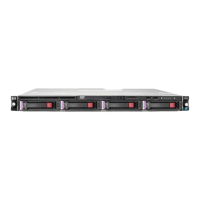
o Four-bay LFF drive model
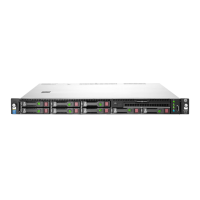
o Eight-bay SFF drive model
To replace the component, reverse the removal procedure.
Optical drive
CAUTION: To prevent improper cooling and thermal damage, do not operate the chassis
unless all bays are populated with a component or a blank.
To remove the component:
1. If installed, remove the security bezel ("Remove the security bezel (optional)" on page 29).
2. Power down the server (on page 30).
3. Remove all power:



 To Next Page
 Loading...