Removal and replacement procedures 70
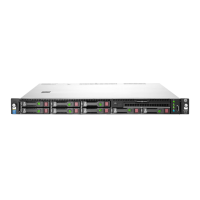
— Eight-bay SFF drive model
d. Remove the screw and the front I/O module from the panel.
To replace the component, reverse the removal procedure.
Thumbscrew rack ear assembly
WARNING: To reduce the risk of personal injury from hot surfaces, allow the drives and the
internal system components to cool before touching them.
CAUTION: To prevent damage to electrical components, take the appropriate anti-static
precautions before beginning any installation, removal, or replacement procedure. Improper
grounding can cause electrostatic discharge.
To remove the component:
1. Power down the server (on page 30).
2. Remove all power:



 To Next Page
 Loading...