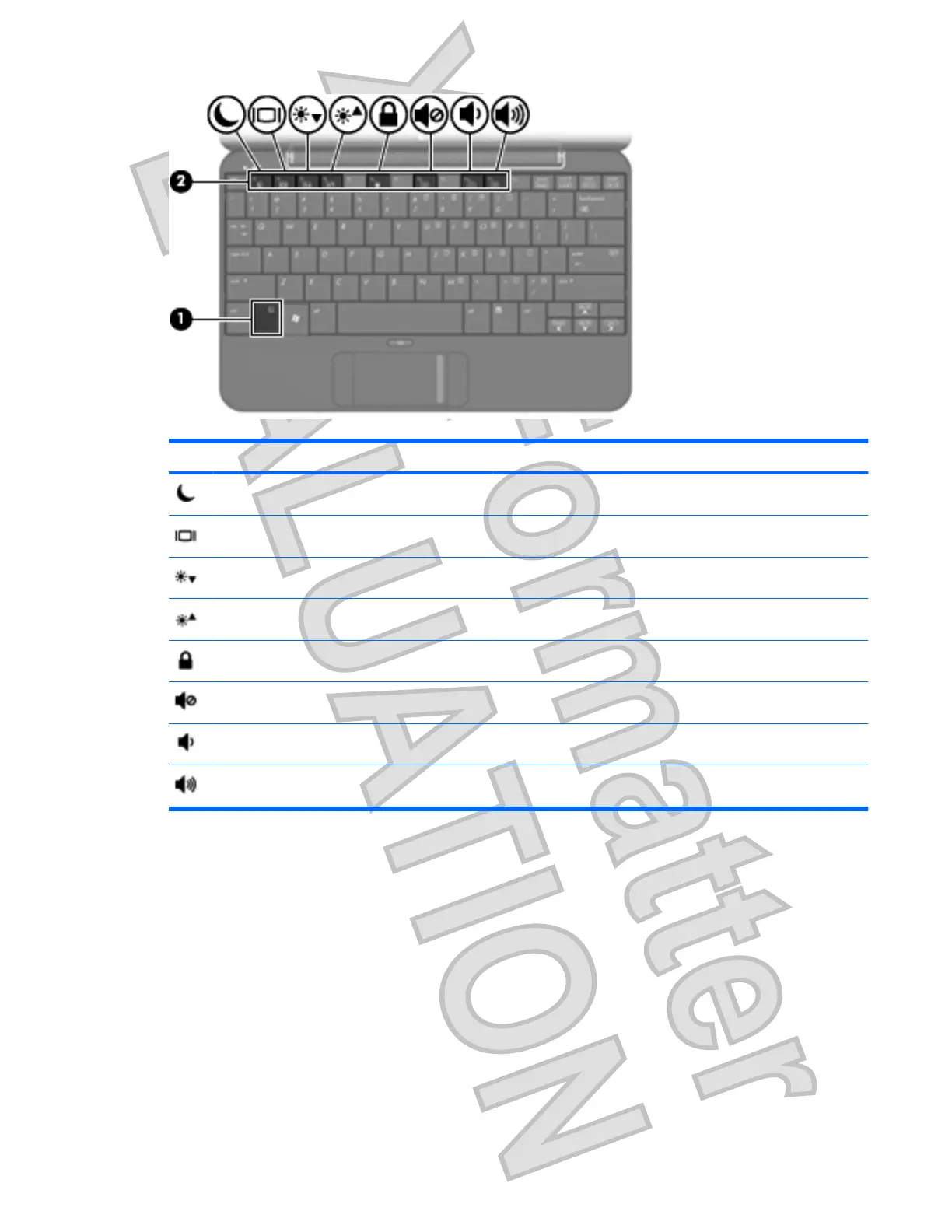
Function Hotkey
Initiate Standby. fn+f1
Switch the image. fn+f2
Decrease screen brightness. fn+f3
Increase screen brightness. fn+f4
Initiate QuickLock. fn+f6
Mute computer sound. fn+f8
Decrease computer sound. fn+f10
Increase computer sound. fn+f11
To use a hotkey command on the computer keyboard, follow either of these steps:
ł
Briefly press the fn key, and then briefly press the second key of the hotkey command.
– or –
ł
Press and hold down the fn key, briefly press the second key of the hotkey command, and then
release both keys at the same time.
Initiating Standby (fn+f1)
Press fn+f1 to initiate Standby.
When Standby is initiated, your information is stored in memory, the screen is cleared, and power is
conserved. While the computer is in Standby, the power light blinks.
Using the keyboard 51
Antenna House XSL Formatter (Evaluation) http://www.antennahouse.com/













 To Next Page