Optical Drive
Description Spare part number
HP SuperMulti DVD Writer Drive, LIghtScribe (includes bezel 485603-001
HP SuperMulti DVD Writer Drive, non-LightScribe (includes bezel) 657958-001
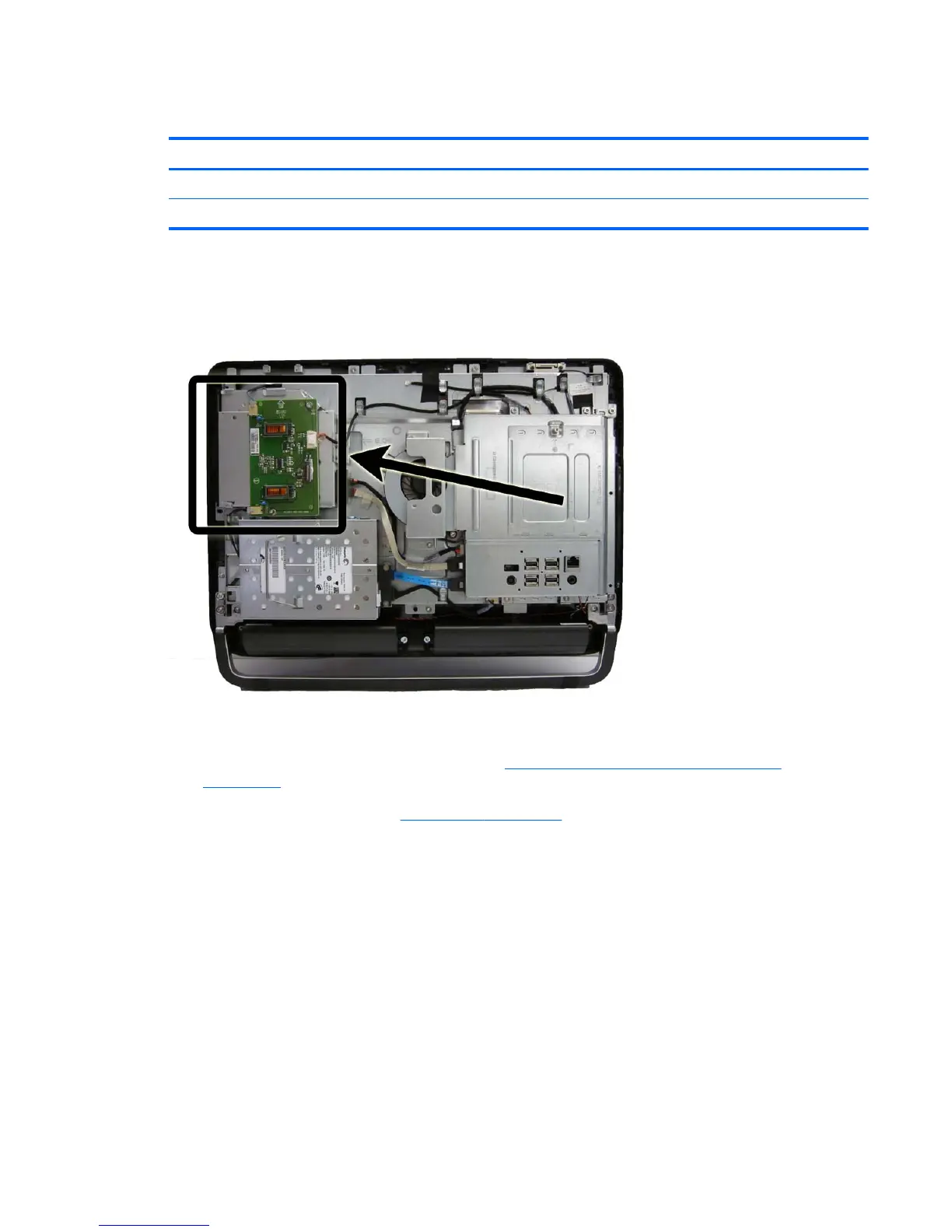
The optical drive is located on the left side of the computer (viewed from behind) under the inverter
board. It is secured with one screw.
Figure 7-12 Optical drive location
To remove the optical drive:
1. Prepare the computer for disassembly (see
Preparing to Disassemble the Computer
on page 34).
2. Remove the rear cover (see
Rear Cover on page 35).
3. Loosen the captive Phillips screw (1) that secures the drive to the computer.
Optical Drive 45









 To Next Page