Webcam Module
Description Spare part number
Webcam module 669982-001
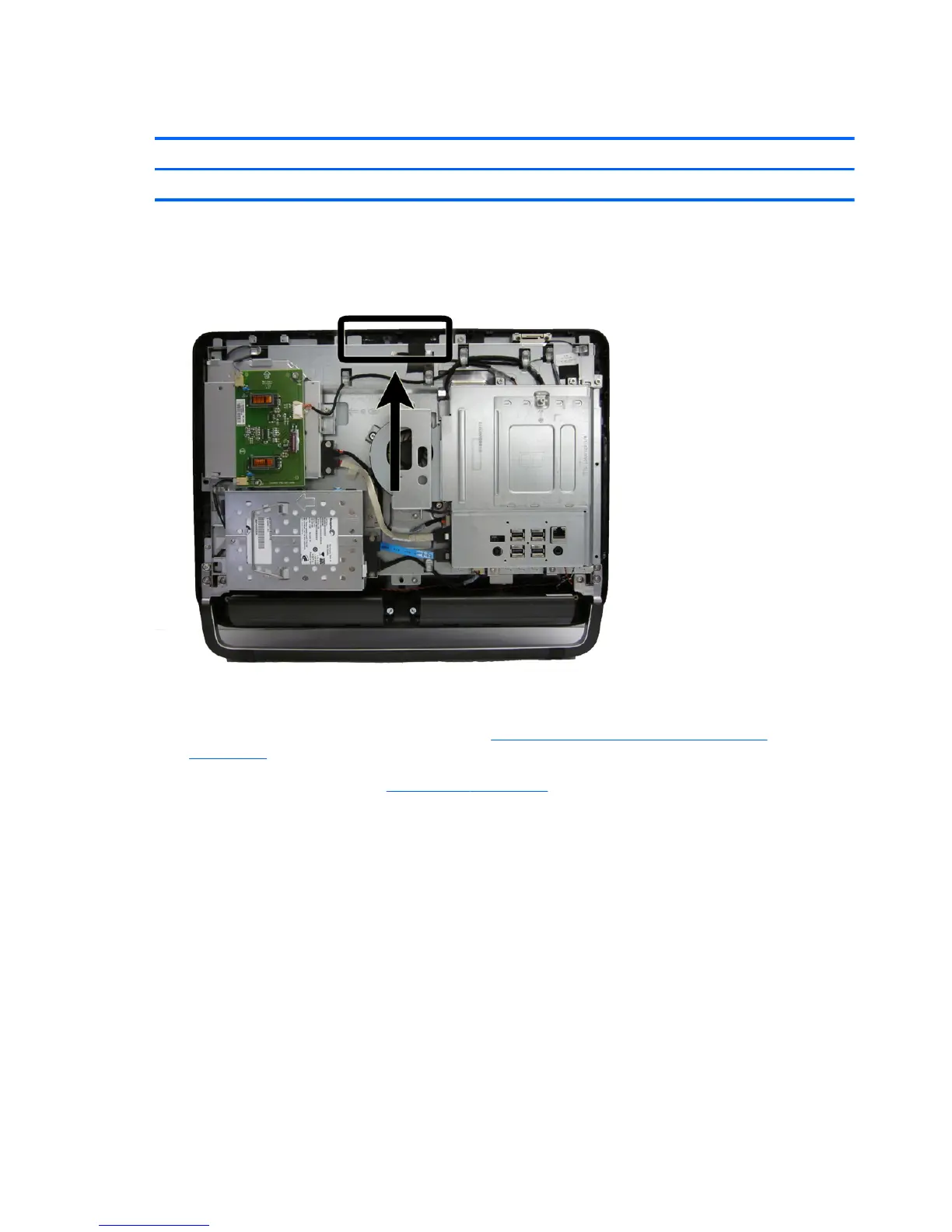
The webcam module is located at the top of the computer. It is secured with tabs (no screws) and has
one connector.
Figure 7-26 Webcam module location
To remove the webcam module:
1. Prepare the computer for disassembly (see
Preparing to Disassemble the Computer
on page 34).
2. Remove the rear cover (see
Rear Cover on page 35).
3. Pull back on the tabs (1) that secure the module to the computer, and lift the module from the
computer as far as the cable allows (2).
58 Chapter 7 Removal and Replacement Procedures All-in One (AIO) Chassis









 To Next Page