Speakers
Description Spare part number
Speaker kit 678227-001
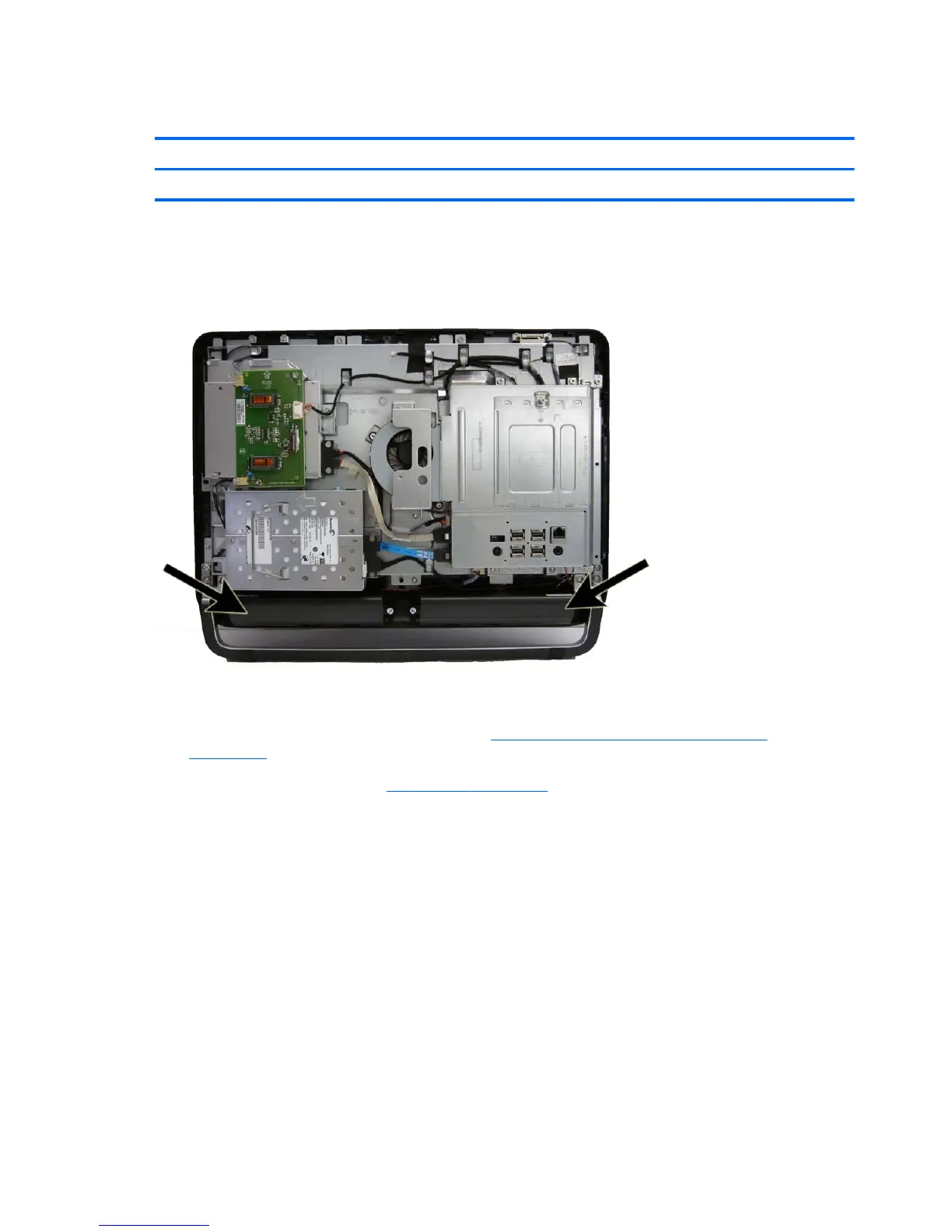
The speakers are located at the bottom of the computer. Two separate speakers are each secured by
two screws and have separate cables and system board connectors.
Figure 7-8 Speaker location
To remove the speakers:
1. Prepare the computer for disassembly (see
Preparing to Disassemble the Computer
on page 34).
2. Remove the rear cover (see
Rear Cover on page 35).
3. Disconnect the two speaker cables (1) from the system board.
42 Chapter 7 Removal and Replacement Procedures All-in One (AIO) Chassis









 To Next Page