System Board Cover
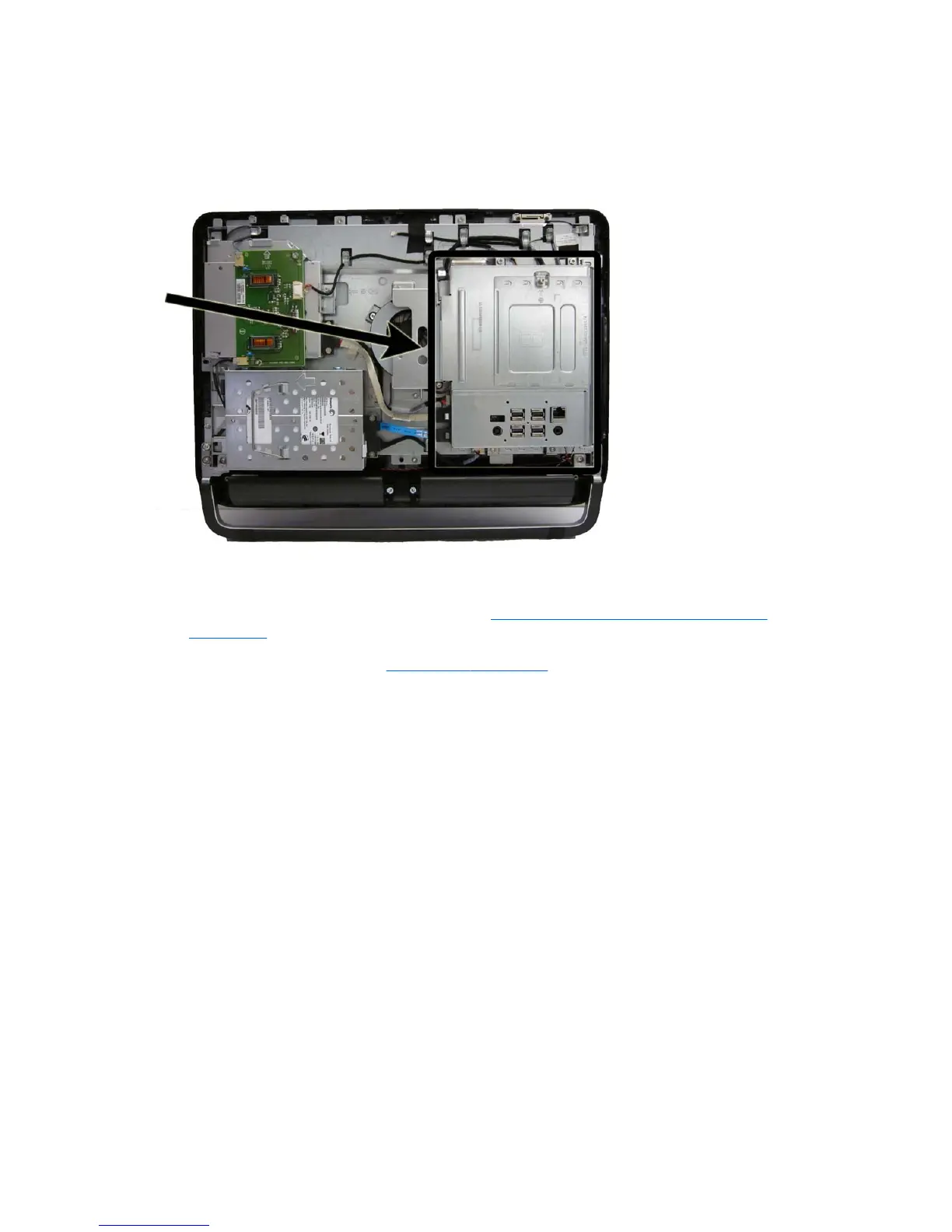
The system board cover protects the system board. It is secured with four screws.
Figure 7-29 System board cover location
To remove the system board cover:
1. Prepare the computer for disassembly (see
Preparing to Disassemble the Computer
on page 34).
2. Remove the rear cover (see
Rear Cover on page 35).
3. Remove the four Torx screws (1) that secure the system board cover to the computer.
4. Slide the cover toward the side of the computer (2).
60 Chapter 7 Removal and Replacement Procedures All-in One (AIO) Chassis









 To Next Page