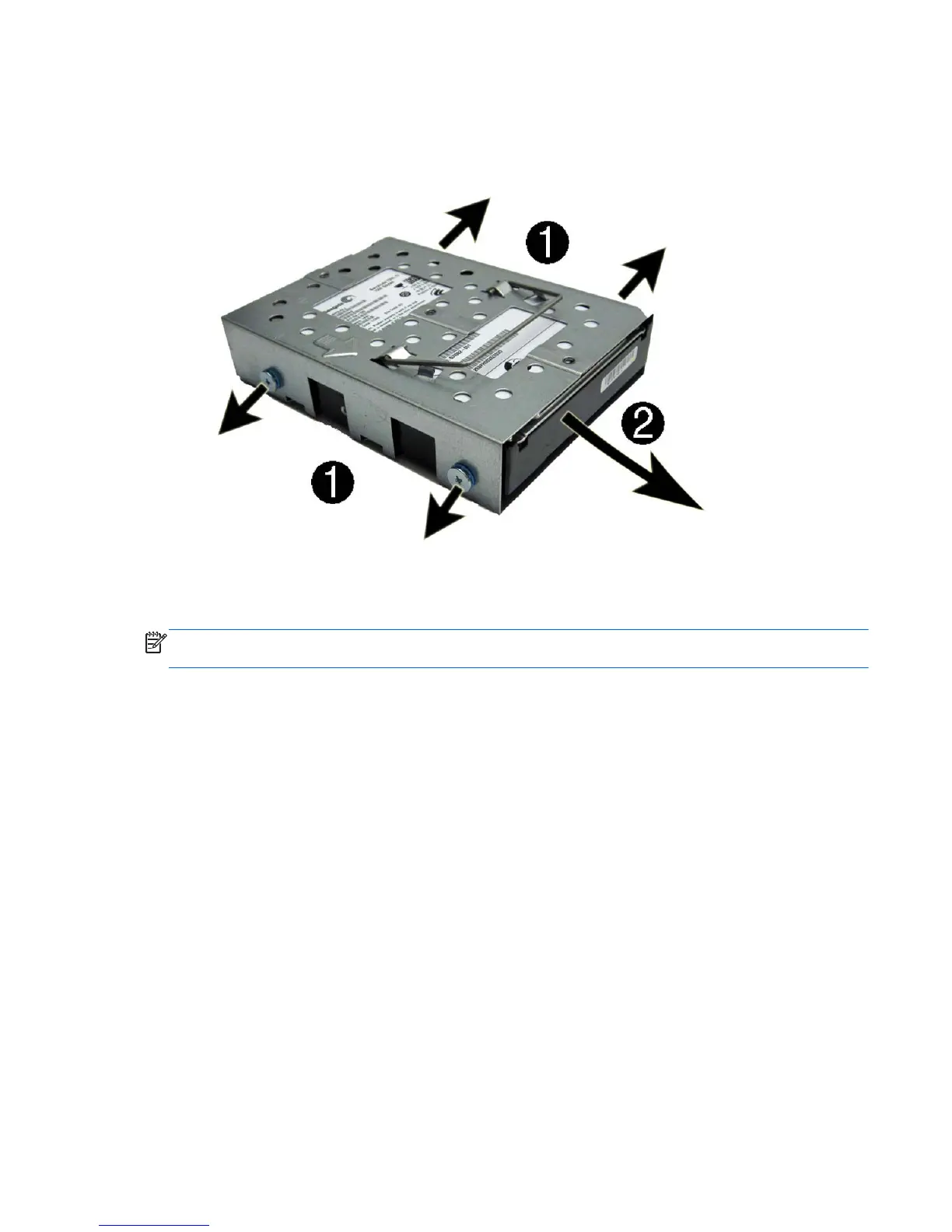
6. Slide the hard drive out of the cage (2).
Figure 7-18 Removing the hard drive from the cage
To replace the hard drive, reverse the removal procedures.
NOTE: Make sure the grommets are not broken or missing before installing the hard drive.
Replacement grommets are available using spare part number 669991-001.
Hard Drive 51









 To Next Page