A Resetting to factory defaults
Factory reset procedures
To force the router into its factory default state, follow the procedures in this section.
Caution Resetting the router to factory defaults deletes all configuration settings, resets the manager user
name and password to admin, and sets the IPv4 address to 192.168.1.1.
Using the reset button
Using a tool such as a paper clip, press and hold the reset button for more than three seconds,
then release.
Using the management interface
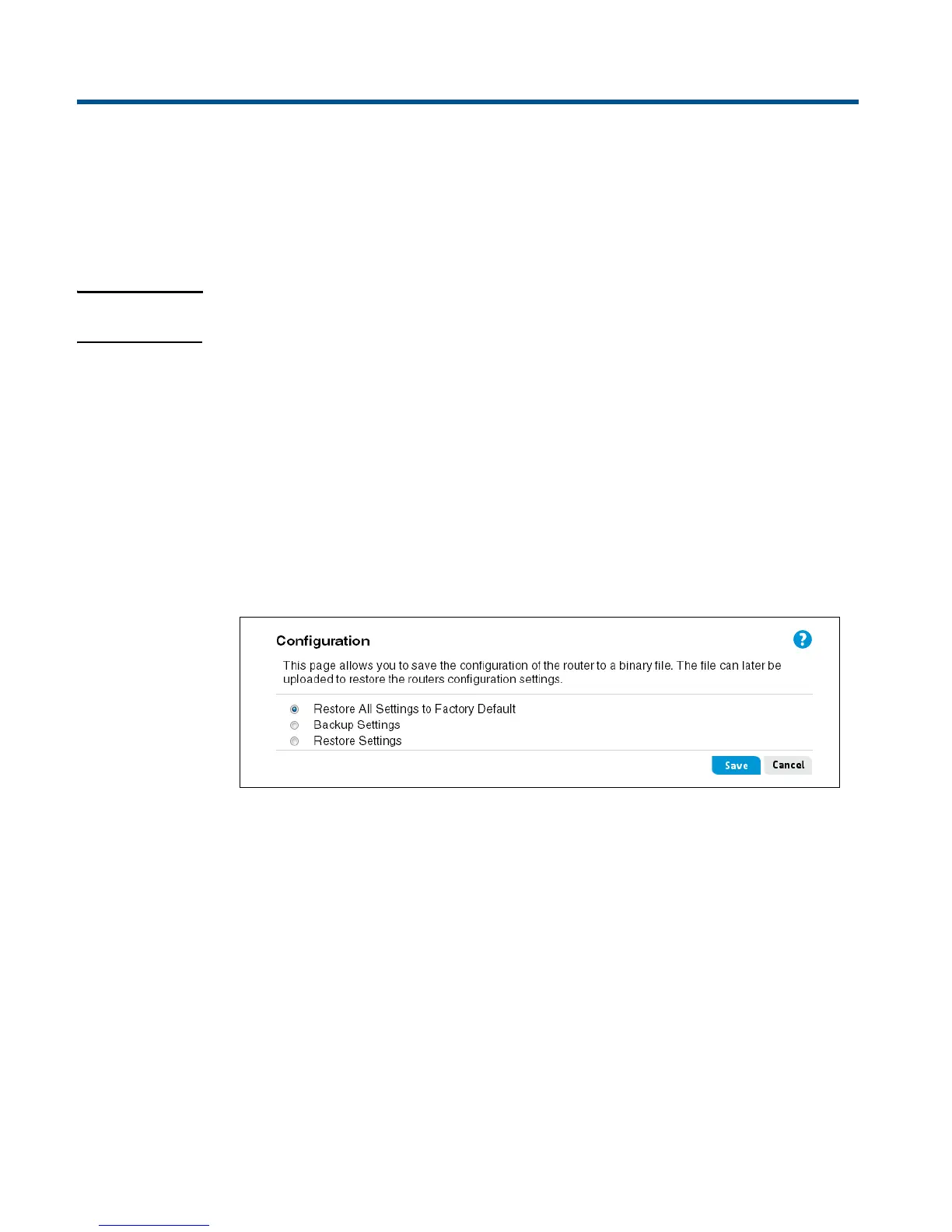
1. Launch the web-based management interface (default https://192.168.1.1).
2. Select Tools > Configuration.
3. Select Restore All Settings to Factory Default, and then click Save.


 To Next Page