26 Managing the HP R110/R120 system
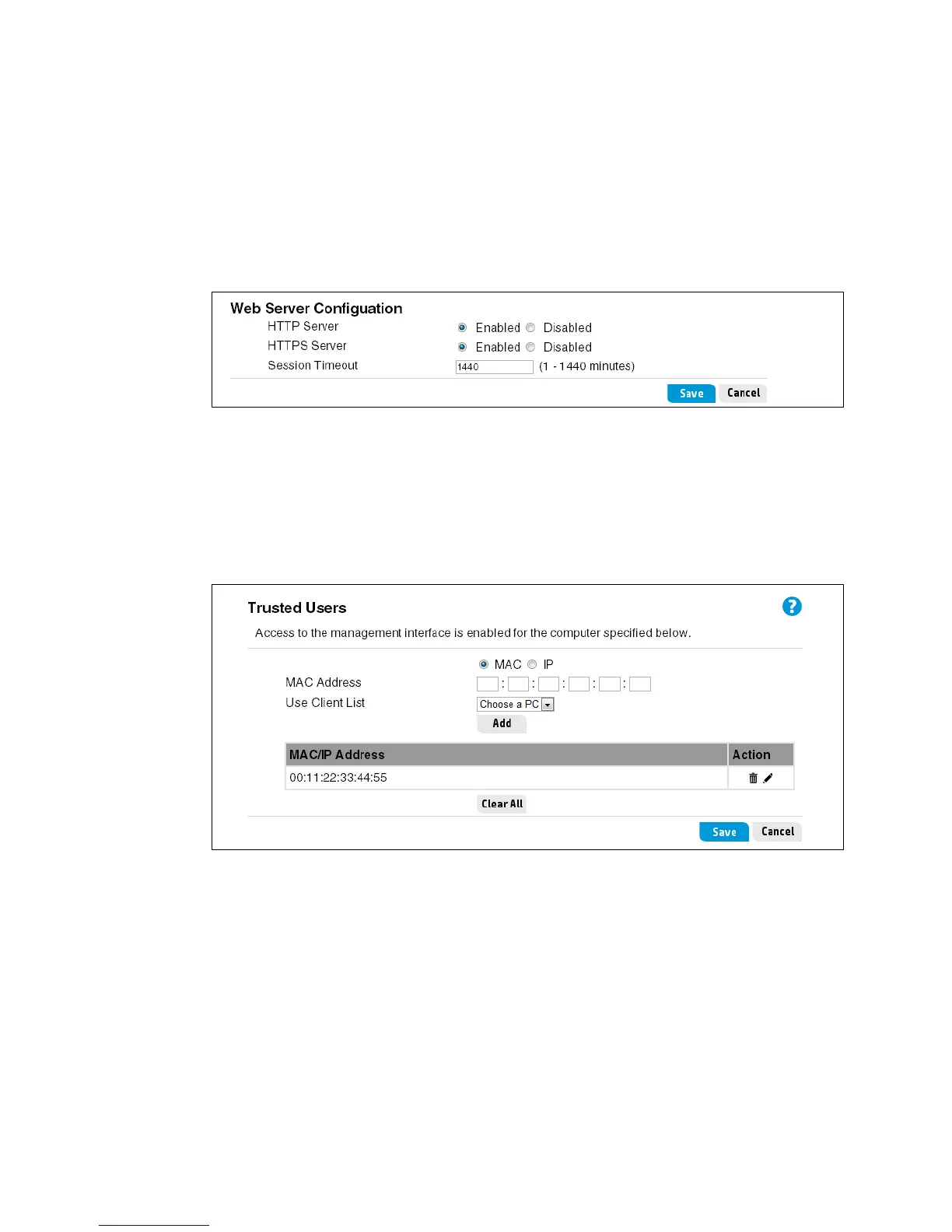
HTTP Server
HTTPS Server
The router software includes HTTP and HTTPS functionality to enable communication with your
web browser. Unlike HTTP, HTTPS enables secure sessions, using a digital certificate to encrypt
data exchanged between the router and your web browser. HTTP and HTTPS are both enabled
by default.
Session Timeout
Configure the Session Timeout for automatic log out from the web interface. If there is no
activity on the management session for the specified time, then the administrator will be
automatically logged off.
Configuring trusted users
When using the trusted users feature, only computers with specified MAC or IP addresses can
access the router's web management interface. All other devices, either LAN or WLAN, cannot
access the web interface. A maximum of five rules can be defined.
System time settings
Correct system time is important for proper operation of the HP R110/R120, especially when
using the logs to troubleshoot.
Select System > System time to open the System Time page. This page enables you to
configure time server and time zone information.



 To Next Page