3 Managing the HP R110/R120 system
The HP R110/R120 is managed via its web-based management interface using Microsoft
Internet Explorer 8 or later, Google Chrome v29, or Mozilla Firefox v24 or later. You can
access the HP R110/R120 management tool using either http or https. Using https is more
secure, but you will see a warning because the security certificate is issued by the router and
not a known certificate authority. With https, it is acceptable to choose the option that allows
you to proceed through the security warning.
In a web browser, specify either: http://192.168.1.1 or https://192.168.1.1.
For information on launching the web-based management interface for the first time, see the HP
R100-Series Wireless VPN Routers Quickstart.
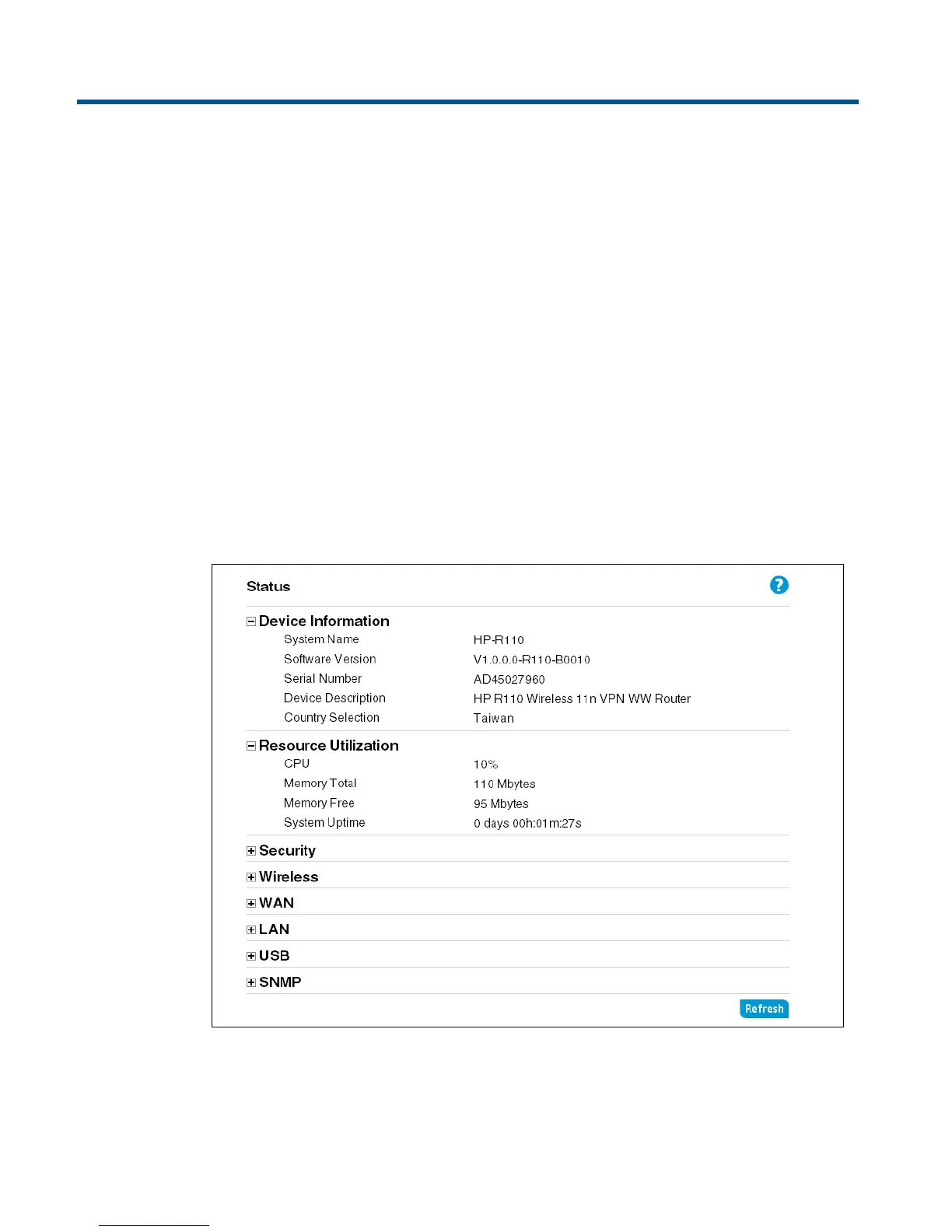
Viewing the router status
The Status page displays a summary of the router’s key settings. Click Refresh to update the
status.


 To Next Page