74 VPN configuration
VPN settings
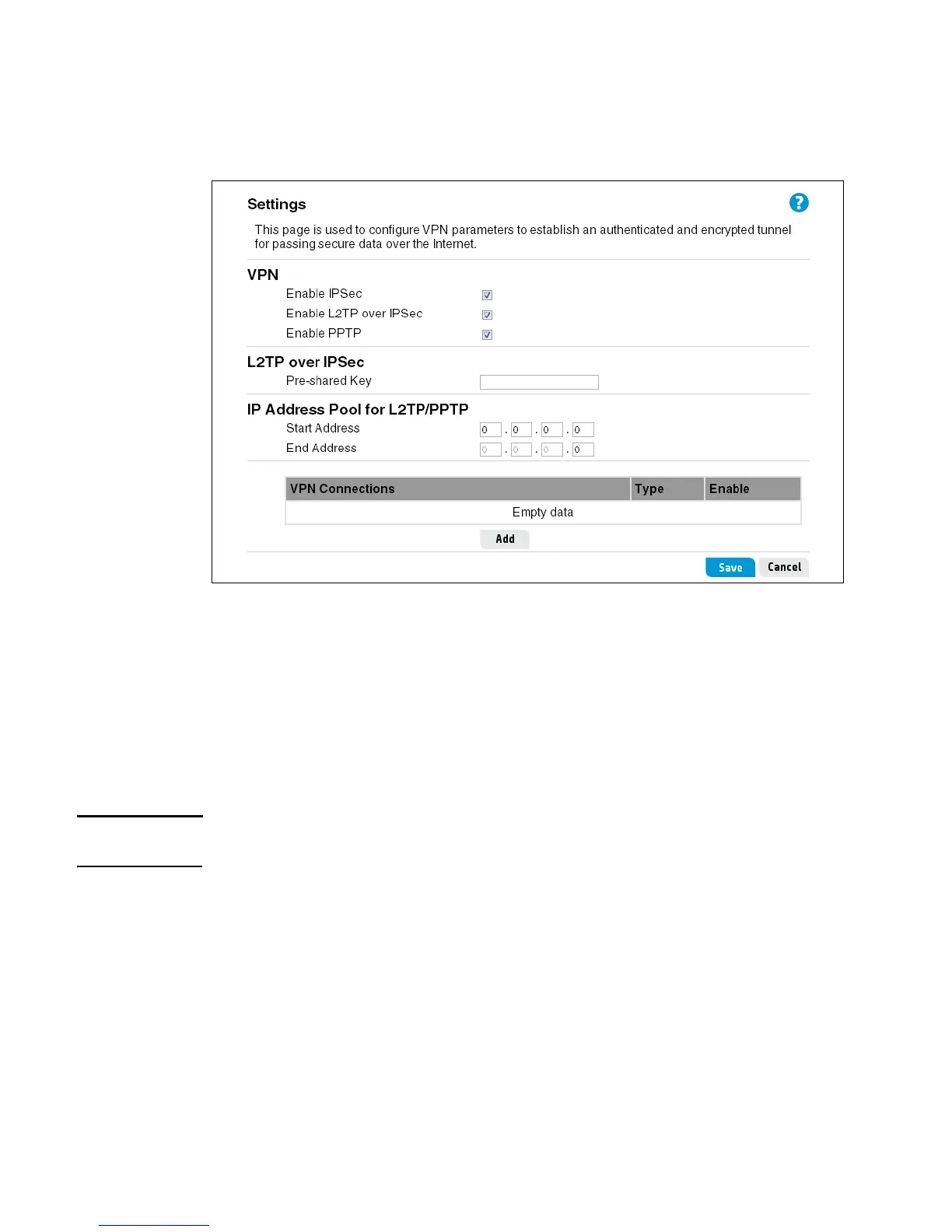
The VPN Settings page allows you to add and edit IPSec, L2TP over IPSec, and PPTP
connections for the router. When creating VPN connections, remember that both ends of the
connection must be configured in the same way.
When you click Add on this page, the VPN connection page opens where the connection
details can be configured. The VPN connection details depend on the protocol selected.
IPSec settings
The router supports the IPSec tunneling protocol. It allows users to create multiple secure IPSec
tunnels to remote end points. To establish an IPSec tunnel, the user needs to enable the feature,
and enter inbound and outbound addresses for the IPsec tunnel. This router supports MD5 and
SHA1 hash algorithm, and DES, 3DES, AES128, AES192, and AES 256 encryption algorithms.
Note Enabling IPSec VPN disables pass-through to IPSec and L2TP over IPSec Virtual Servers on the
LAN. Pass-through outbound from clients on the LAN to servers on the Internet is unaffected.
The VPN connection page displays when you click the “Add” button on the VPN Settings page.
From the VPN connection page you can configure detailed parameters for your IPSec VPN
connection. A maximum of five IPSec connections can be defined.



 To Next Page