7 VPN configuration
The router includes a Virtual Private Network feature to provide a secure link between remote
users and the corporate network by establishing an authenticated and encrypted tunnel for
passing secure data over the Internet. The router supports IPSec, L2TP over IPSec client and
server, and PPTP client and server for security protection. A maximum of five VPN connections
can be enabled.
Viewing VPN status
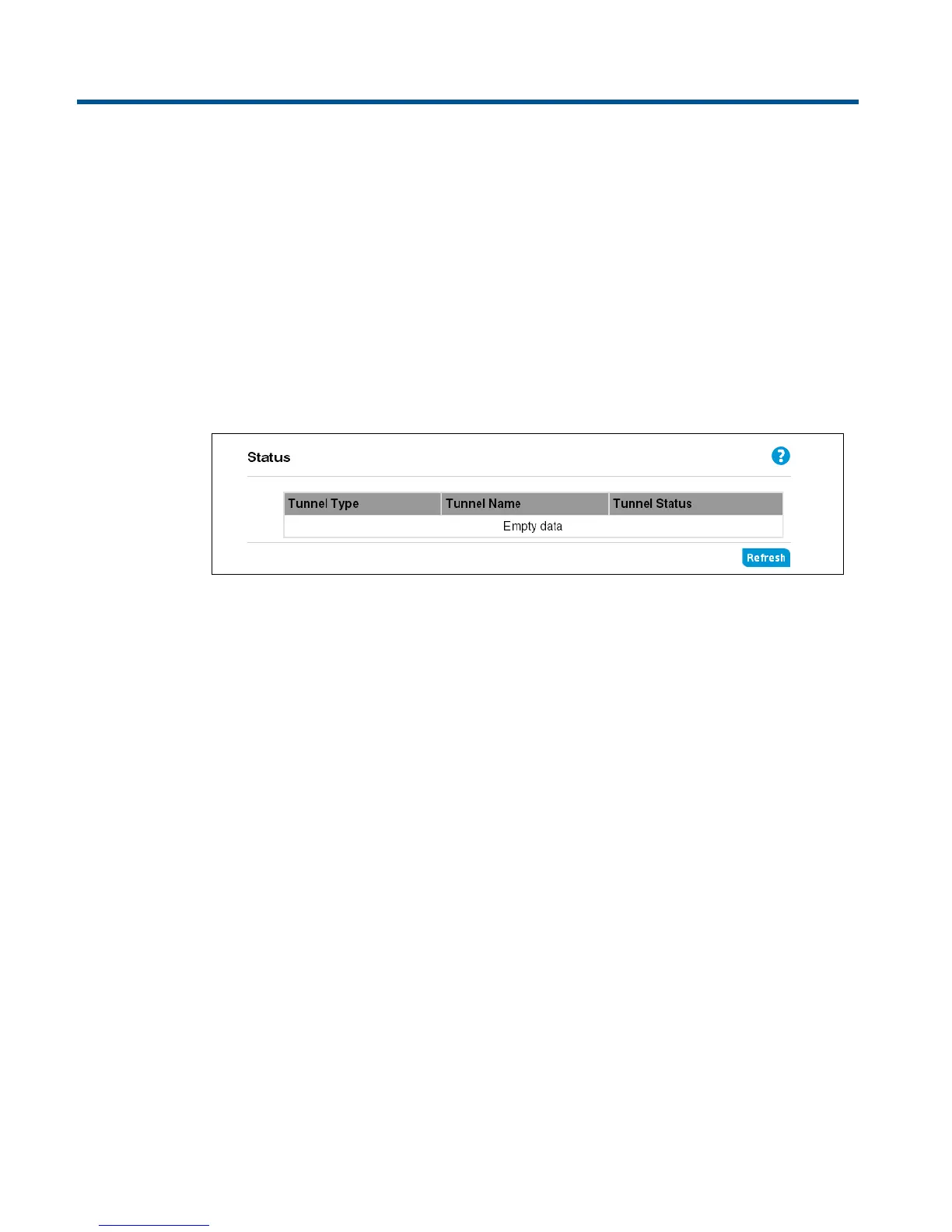
The Status page displays the current status of VPN tunnel connections to the router.
This page includes the following information:
Tunnel type
The tunnel type configured; either IPSec, L2TP over IPSec, or PPTP.
Tunnel name
The descriptive name that identifies the configured tunnel.
Tunnel status
Indicates the status of the tunnel.



 To Next Page