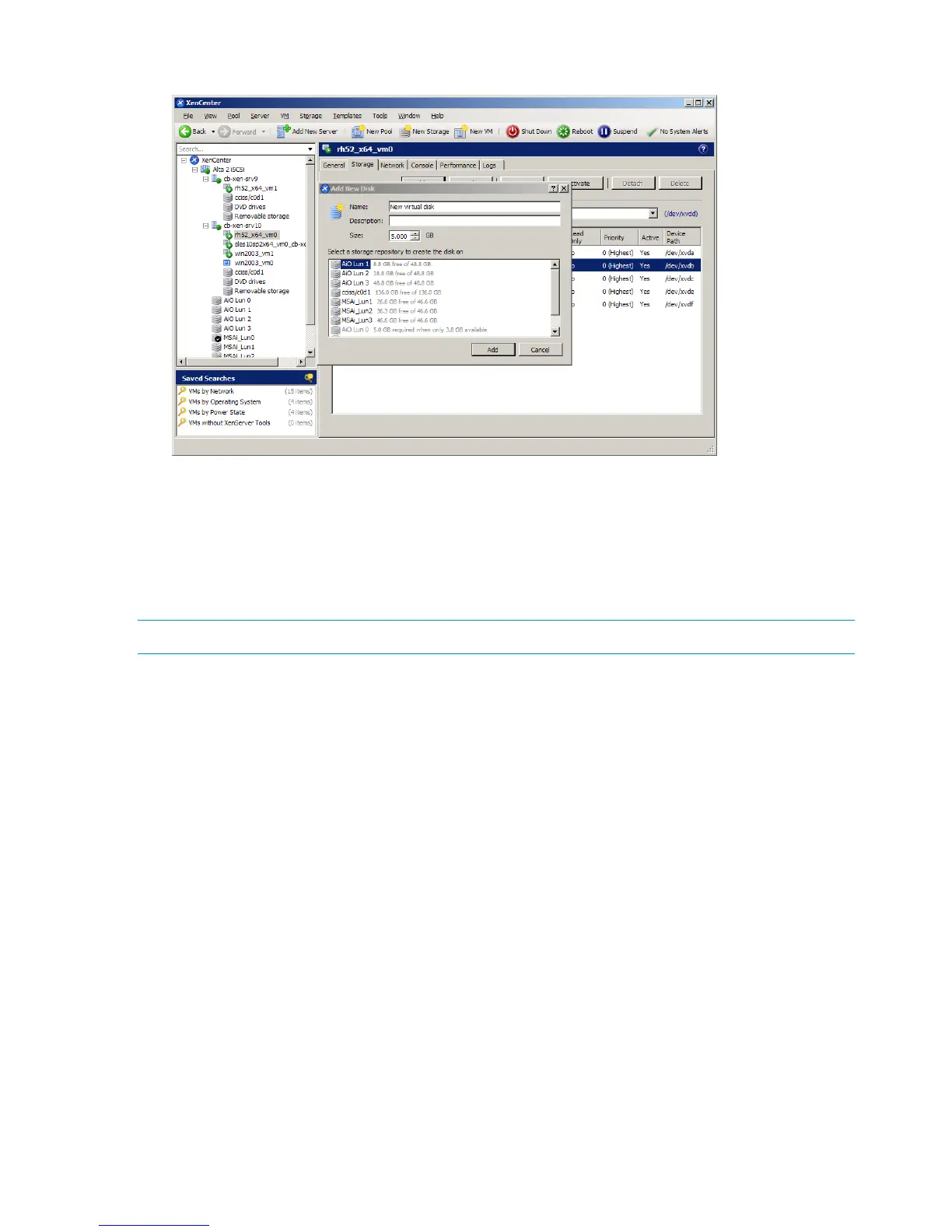
3. Type a name, description, and size for the new disk and then click Add.
Adding a dynamic LUN
To add a LUN to a dom0 dynamically, follow these steps.
1. Create and present a LUN to a dom0 from the array.
2. Enter the following command to rescan the sessions that are connected to the arrays for the
new LUN: xe sr-probe type=lvmohba.
NOTE: To create a new Storage Repository, see “Creating a Storage Repository” (page 102).
106 Citrix XenServer Enterprise


 To Next Page
 Loading...