Need help?
Do you have a question about the HP Z210 Series and is the answer not in the manual?
Information on technical support, HP Support Assistant, and warranty services.
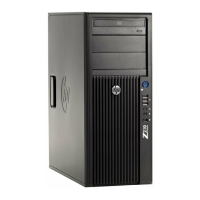
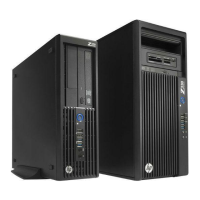
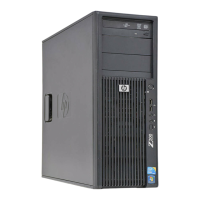
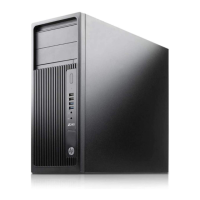
Identifies internal chassis components of the HP Z210 CMT Workstation.
Details front panel connectors and controls for the Z210 CMT Workstation.
Describes rear panel connectors and ports for the Z210 CMT Workstation.
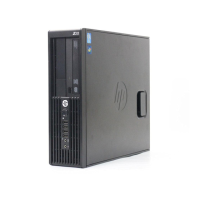
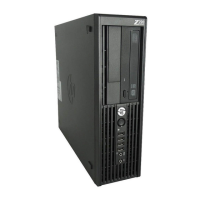
Identifies internal chassis components of the HP Z210 SFF Workstation.
Details front panel connectors and controls for the Z210 SFF Workstation.
Describes rear panel connectors and ports for the Z210 SFF Workstation.
Step-by-step guide for initial workstation setup, including connections.
Instructions for installing and configuring Microsoft Windows on the workstation.
Step-by-step guide for physically installing a memory module into a socket.
Procedure for physically installing PCI or PCIe expansion cards.
Step-by-step guide for installing an HDD into the workstation.

 To Next Page

 General