5.1.2 Space Instructions:
Total Machine adjustments affect all DSD’s including keys downloaded from software. To
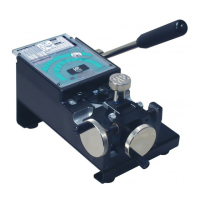
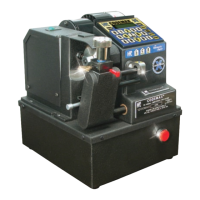
make Total Machine electronic Space Adjustments on the CodeMax
®
start with the “LOAD”
button.
Press “LOAD”
Enter “CC” and press the “ENTER” button
Choose between Inches and Metric.
“A” for Inches and “B” for Metric
Choose: A for in
B for mm
Choose Depth or Space adjustment.
“A” for Depths and “B” for Space
Use: A for Depth
B for Space
If Space was chosen “Space Adjustment” will flash twice and bring you to the next screen.
You can choose “A” for Shoulder adjustment and “B” for Black Tip Stop adjustment.
Use: A=Shoulder
B=Black tip
46
CodeMax
®
CodeMax
®


 To Next Page