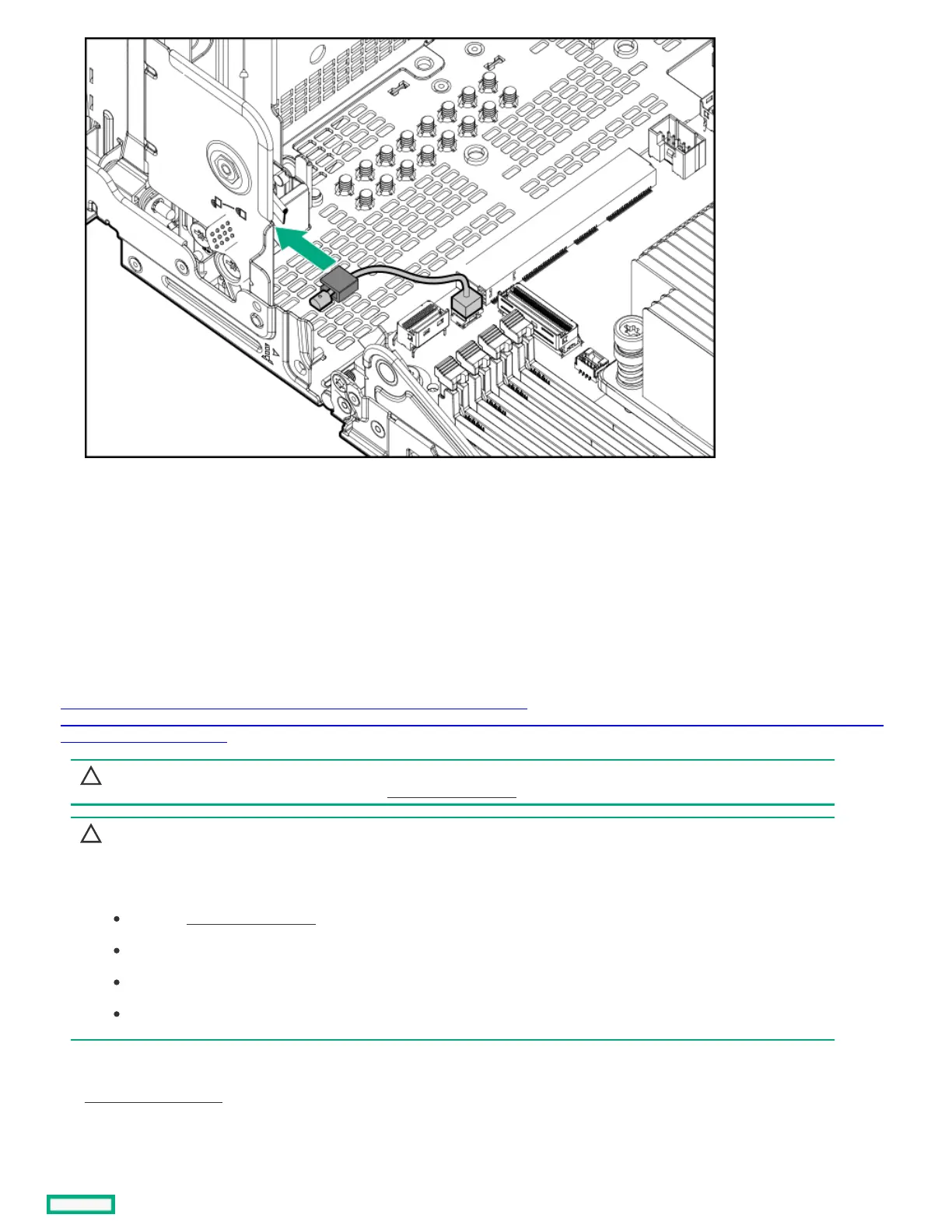
ResultsResults
To replace the component, reverse the removal procedure.
Removing and replacing a DIMMRemoving and replacing a DIMM
About this taskAbout this task
https://sketchfab.com/models/ec39e4183f8f410e93c8c34a1611b560/embed?
ui_infos=0&ui_watermark=0&ui_help=0&ui_vr=0&ui_settings=0&ui_inspector=0&ui_hint=2&ui_animations=0&ui_color=01a982&ui_theme=d
ark&autostart=1&camera=0
CAUTION:CAUTION: A discharge of static electricity from a finger or other conductor might damage system boards or other static-
sensitive devices. To prevent damage, observe antistatic precautions.
CAUTION:CAUTION:
Before replacing a DIMM, backplane, expansion card, riser board, or other similar PCA components due to a perceived
hardware error, make sure first that the component is firmly seated in the slot.
When installing the replacement component:
Observe antistatic precautions.
Handle the PCA only along the edges.
Do not touch the components and connectors on the PCA.
Do not bend or flex the PCA.
ProcedureProcedure
1. Power down the server.
2. Disconnect the power cord from the AC source.
3. Remove the power adapter cord from the power cord clamp, and then disconnect the power adapter from the server.













 To Next Page