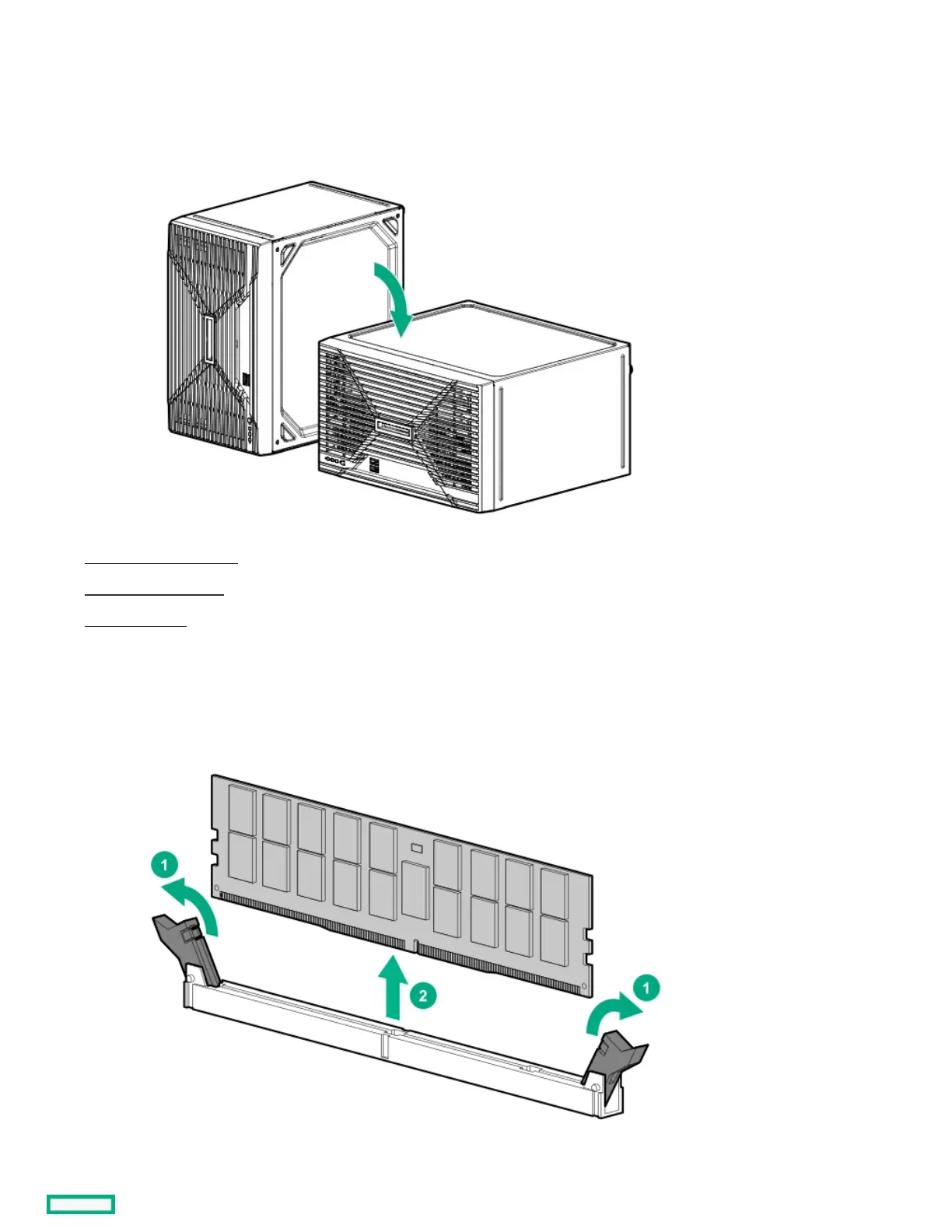
4. Disconnect all peripheral cables from the server.
5. If installed, unlock and remove the security padlock and/or the Kensington security lock.
For more information, see the lock documentation.
6. If the server is in a vertical orientation, position the server in a horizontal orientation.
7. Remove the chassis cover .
8. Remove the front bezel.
9. Open the chassis .
10. Remove the DIMM.
a. Open the DIMM slot latches.
b. Lift the DIMM out of the slot.
ResultsResults













 To Next Page