CAUTION:CAUTION:
Before replacing a DIMM, backplane, expansion card, riser board, or other similar PCA components due to a perceived
hardware error, make sure first that the component is firmly seated in the slot.
When installing the replacement component:
Observe antistatic precautions.
Handle the PCA only along the edges.
Do not touch the components and connectors on the PCA.
Do not bend or flex the PCA.
ProcedureProcedure
1. Power down the server.
2. Disconnect the power cord from the AC source.
3. Remove the power adapter cord from the power cord clamp, and then disconnect the power adapter from the server.
4. Disconnect all peripheral cables from the server.
5. If installed, unlock and remove the security padlock and/or the Kensington security lock.
For more information, see the lock documentation.
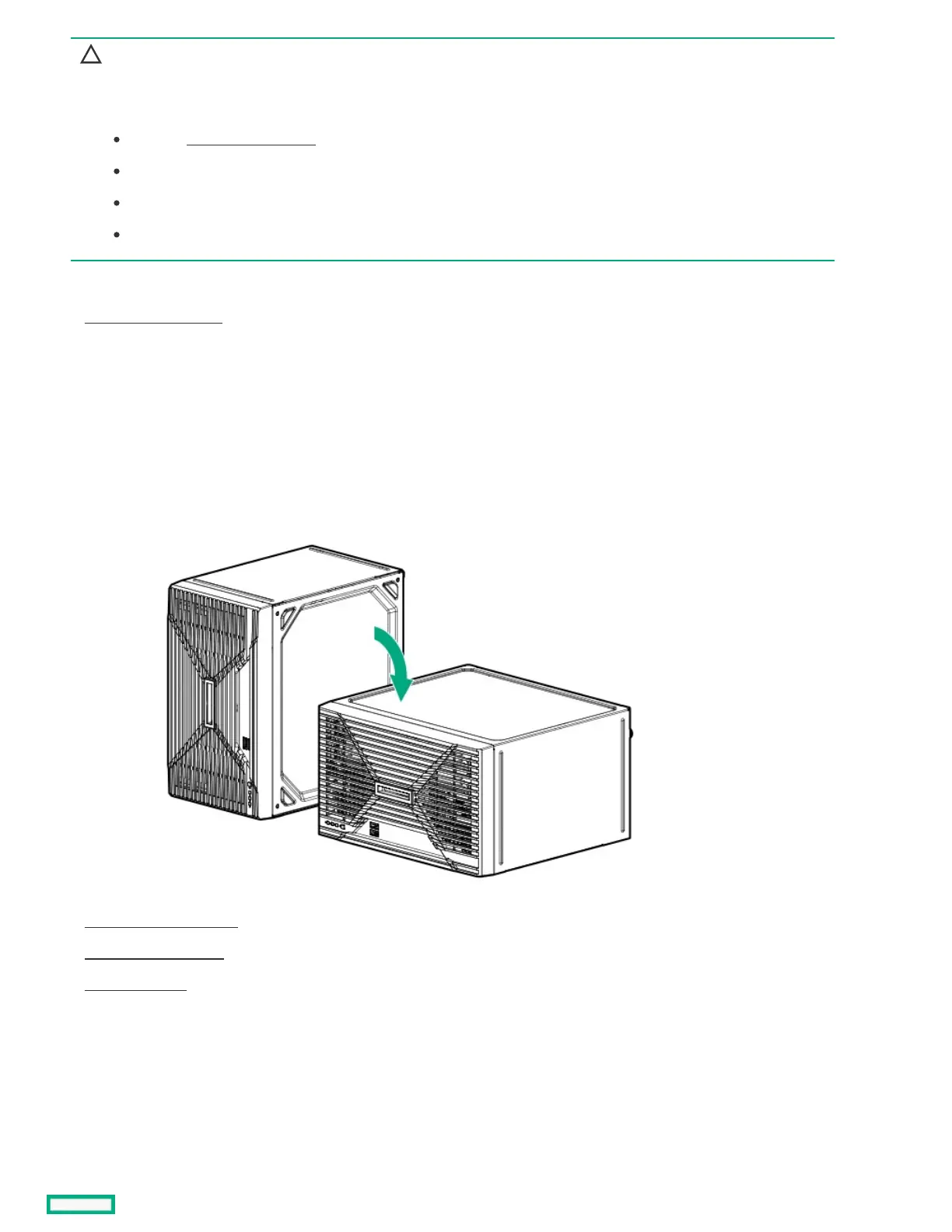
6. If the server is in a vertical orientation, position the server in a horizontal orientation.
7. Remove the chassis cover .
8. Remove the front bezel.
9. Open the chassis .
10. Disconnect any internal cables that are connected to the expansion card.
11. Remove the expansion card.













 To Next Page