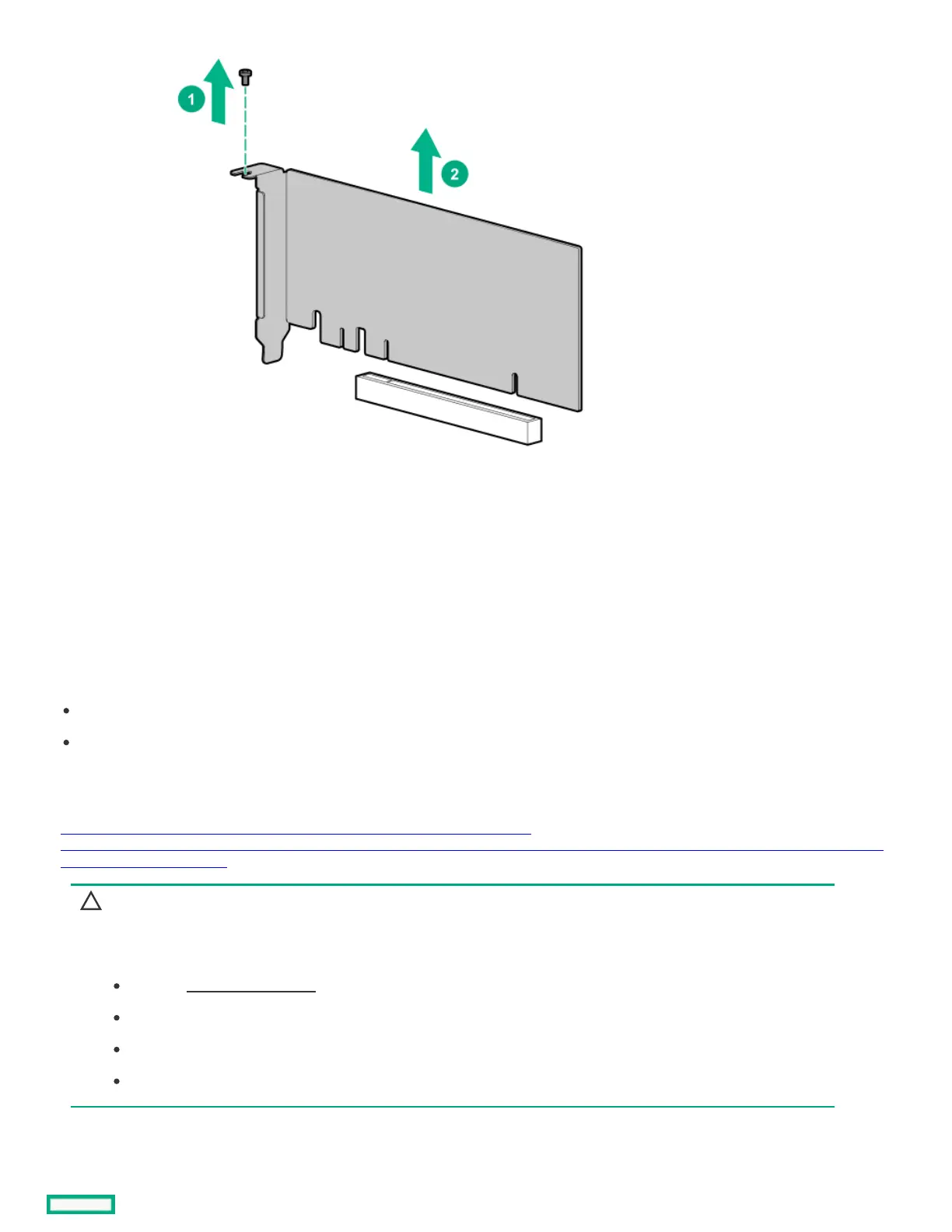
ResultsResults
To replace the component, reverse the removal procedure.
Removing and replacing the Removing and replacing the iLOiLO-M.2-serial module-M.2-serial module
PrerequisitesPrerequisites
Before you perform this procedure, make sure that you have the following items available:
Phillips No. 1 screwdriver
T-15 Torx screwdriver
About this taskAbout this task
https://sketchfab.com/models/636fc6e958ed4b0d828537e4cc109293/embed?
ui_infos=0&ui_watermark=0&ui_help=0&ui_vr=0&ui_settings=0&ui_inspector=0&ui_hint=2&ui_animations=0&ui_color=01a982&ui_theme=d
ark&autostart=1&camera=0
CAUTION:CAUTION:
Before replacing a DIMM, backplane, expansion card, riser board, or other similar PCA components due to a perceived
hardware error, make sure first that the component is firmly seated in the slot.
When installing the replacement component:
Observe antistatic precautions.
Handle the PCA only along the edges.
Do not touch the components and connectors on the PCA.
Do not bend or flex the PCA.













 To Next Page