CAUTION:CAUTION:
The port blank provides EMI shielding and helps maintain proper thermal status inside the server. Do not operate the server
when a port blank is removed without the corresponding I/O port option installed.
ProcedureProcedure
1. If the M.2 SSD is installed, back up all server data on the M.2 SATA SSD .
2. Power down the server.
3. Disconnect the power cord from the AC source.
4. Remove the power adapter cord from the power cord clamp, and then disconnect the power adapter from the server.
5. Disconnect all peripheral cables from the server.
6. If installed, unlock and remove the security padlock and/or the Kensington security lock.
For more information, see the lock documentation.
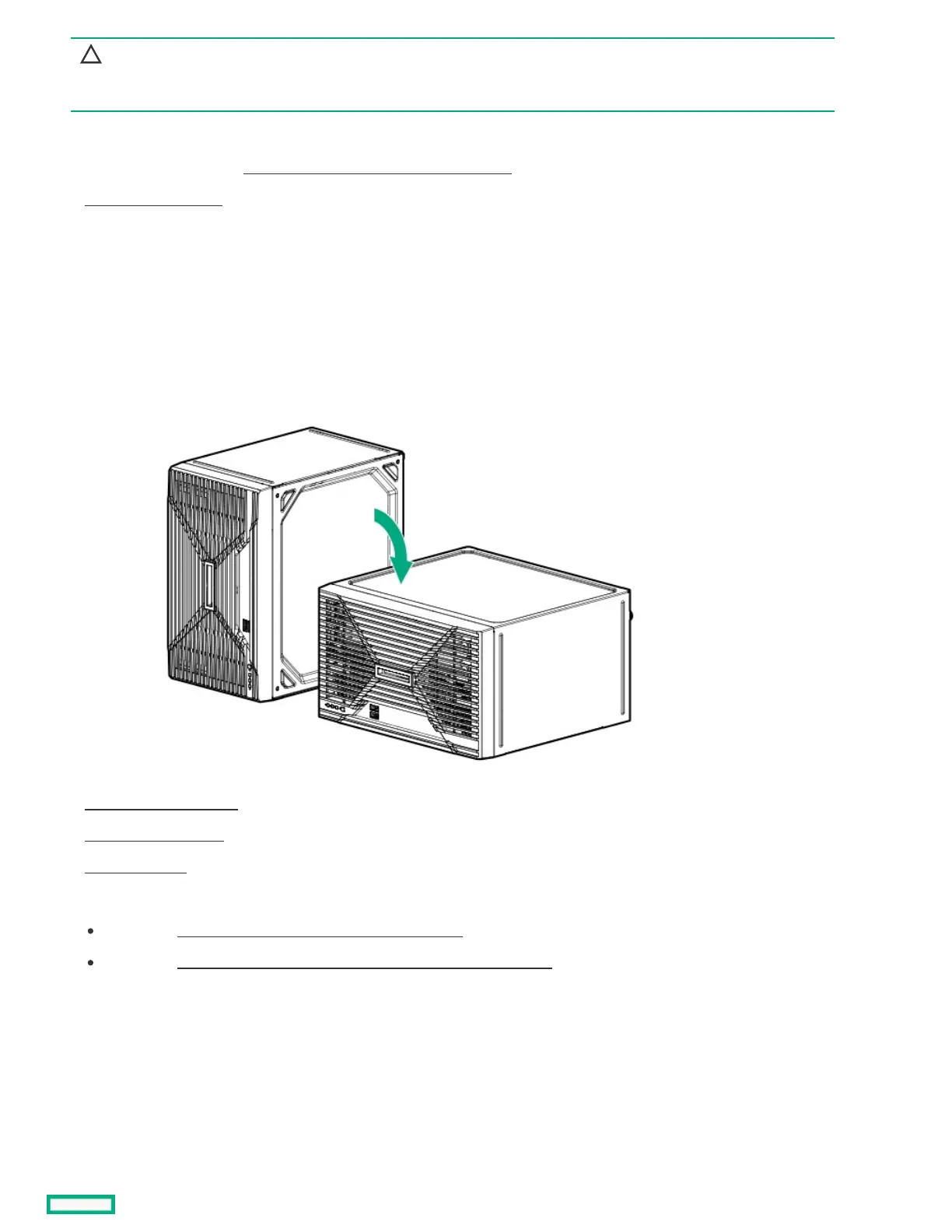
7. If the server is in a vertical orientation, position the server in a horizontal orientation.
8. Remove the chassis cover .
9. Remove the front bezel.
10. Open the chassis .
11. Do the following:
If installed, remove the expansion card from the PCIe Slot 1 .
If installed, disconnect the serial port cable from the iLO-M.2-serial module.
12. If installed, remove the M.2 SSD.













 To Next Page