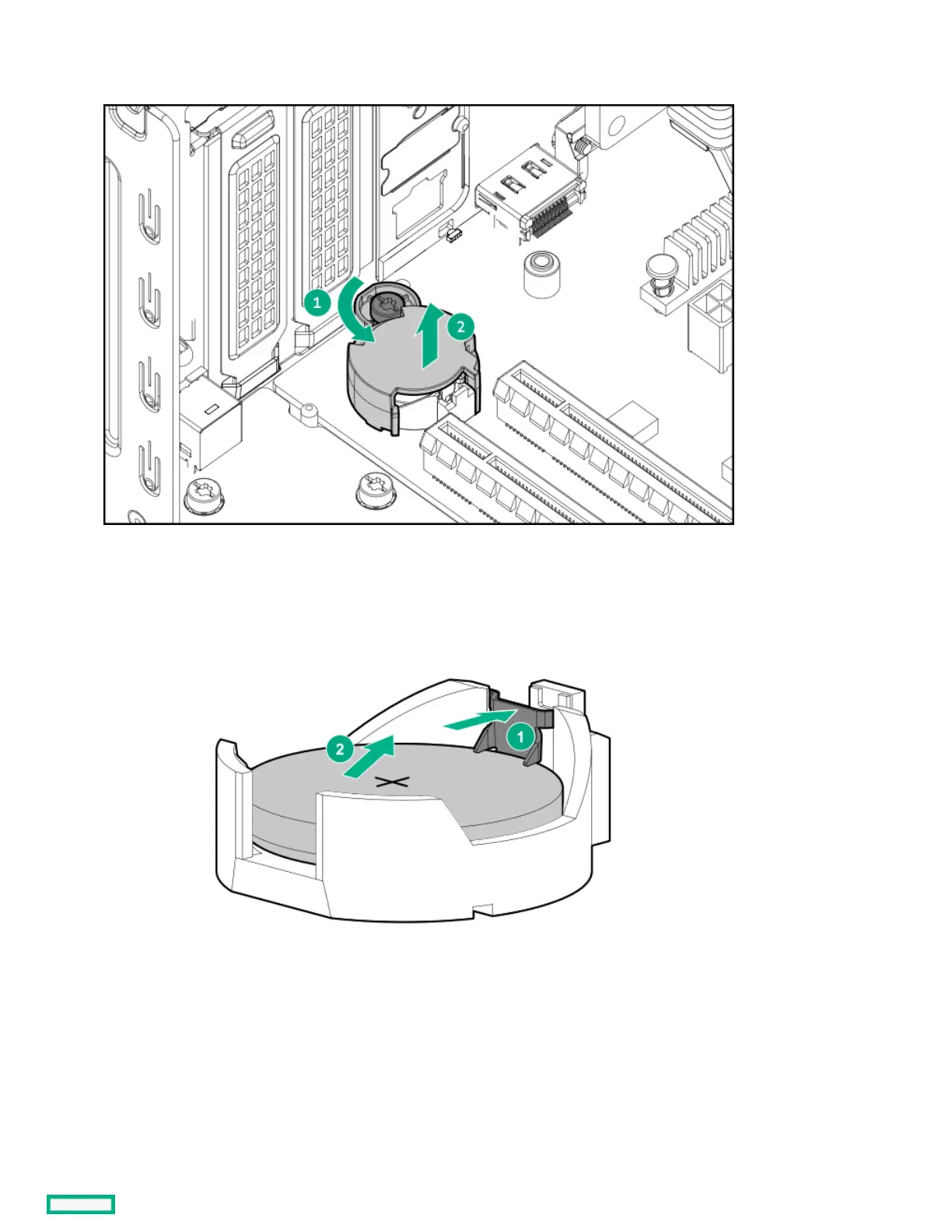
a. Loosen the system battery cover screw.
b. Lift the cover from the system battery.
13. Remove the system battery:
a. Use a small flat-bladed, nonconductive tool to press the battery latch.
b. Remove the system battery from the socket.
14. Install the system battery:
a. With the side of the battery showing the "+" sign facing up, insert the battery into the socket.
b. Press the system battery down until it clicks into place.













 To Next Page