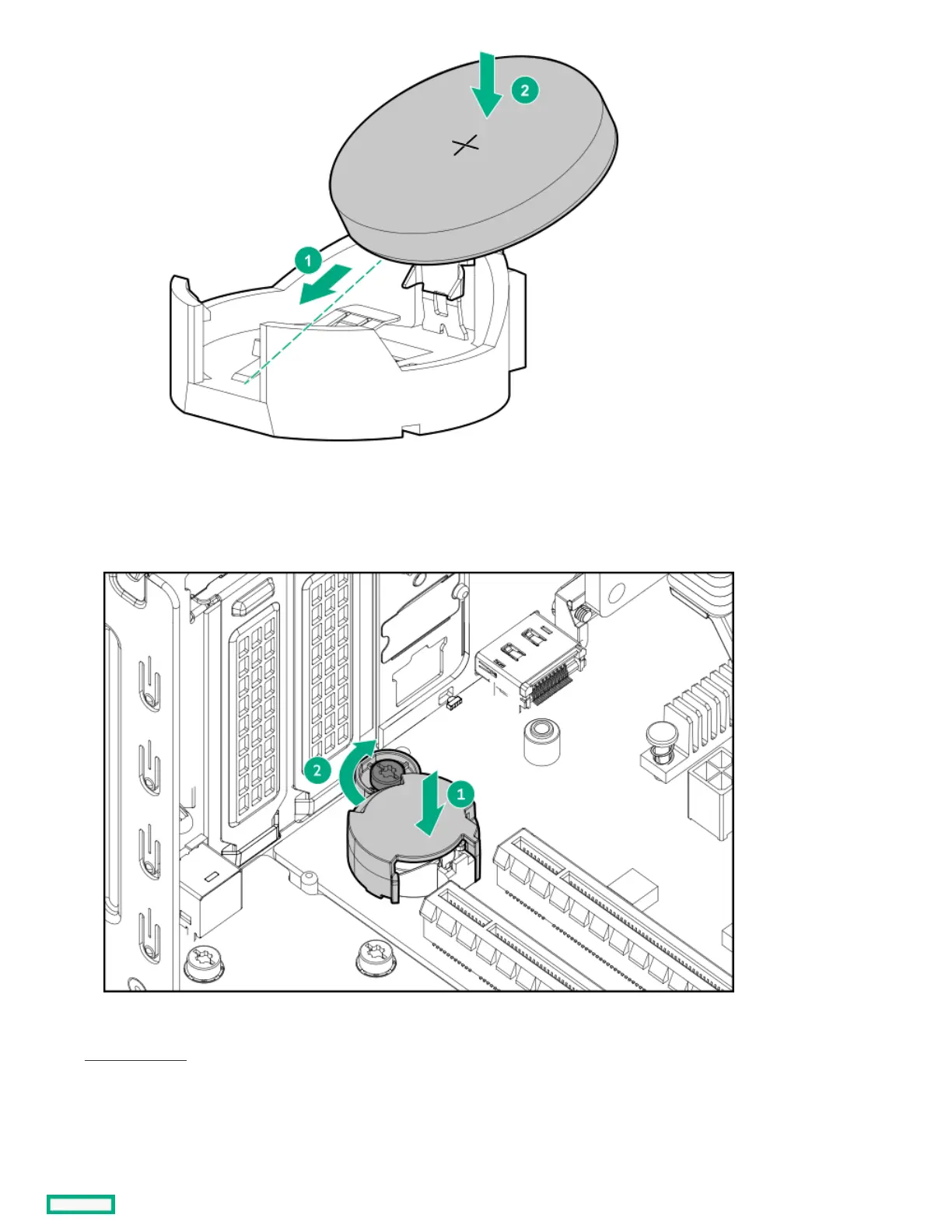
15. Install the system battery cover:
a. Attach the cover on the system battery socket.
b. Tighten the cover screw.
16. If removed, install the expansion cards.
17. Close the chassis .
18. Install the front bezel.
19. Install the chassis cover.
20. If removed, install the security padlock and/or the Kensington security lock.













 To Next Page