- 23 -
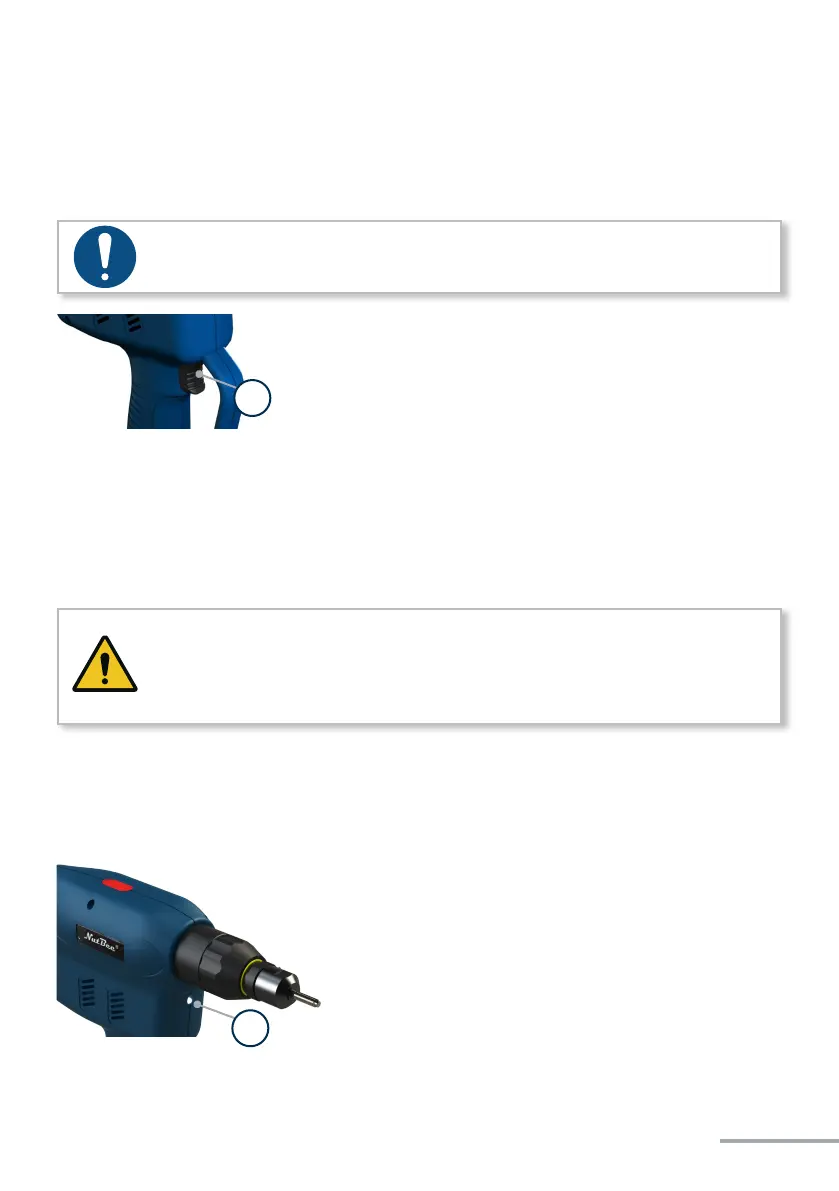
Pressing or actuang the start buon starts or stops the tool.
NOTE
The battery riveting tool only starts when the battery has sufficient capacity.
* - Start buon
WARNING
Looking directly into the light emitting diode can lead to eye injuries.
• Never look directly into the light emitting diode.
The LED on the front of the tool is used to illuminate the assembly area. Aer pressing
the start buon, the LED lights up. It turns o automacally aer a few seconds. The af-
terglow me of the LED can be parametrised in the HST-Tool-Manager under „setup“ →
„general“ → „energy&lighng“.
* - Front LED
*
*


 To Next Page