- 47 -
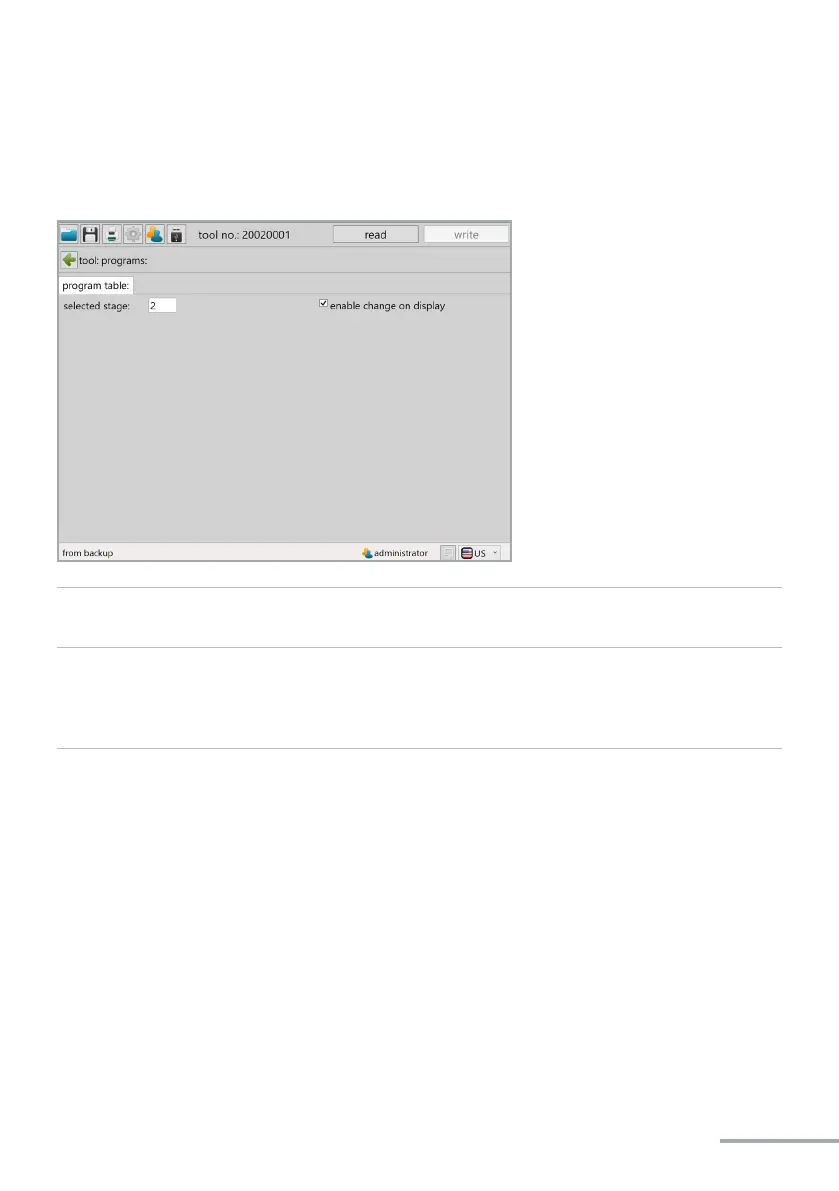
Clicking on „program“ takes you to the program sengs menu.
„selected stage“ The selected stage determines the programme of the table which is ac-
ve. See programme table page 29 - 30.
„enable change on
display“
This funcon acvates and deacvates the seng of the programme us-
ing the buons under the OLED display. If the funcon is acve (check-
box selected) the programme can be selected or changed as described
in Chapter 4.2.9.



 To Next Page