THT45 - THT45W - THT46
5.5.1 Playback of videos on the display
To play a video saved on the instrument's micro SD card, proceed as follows:
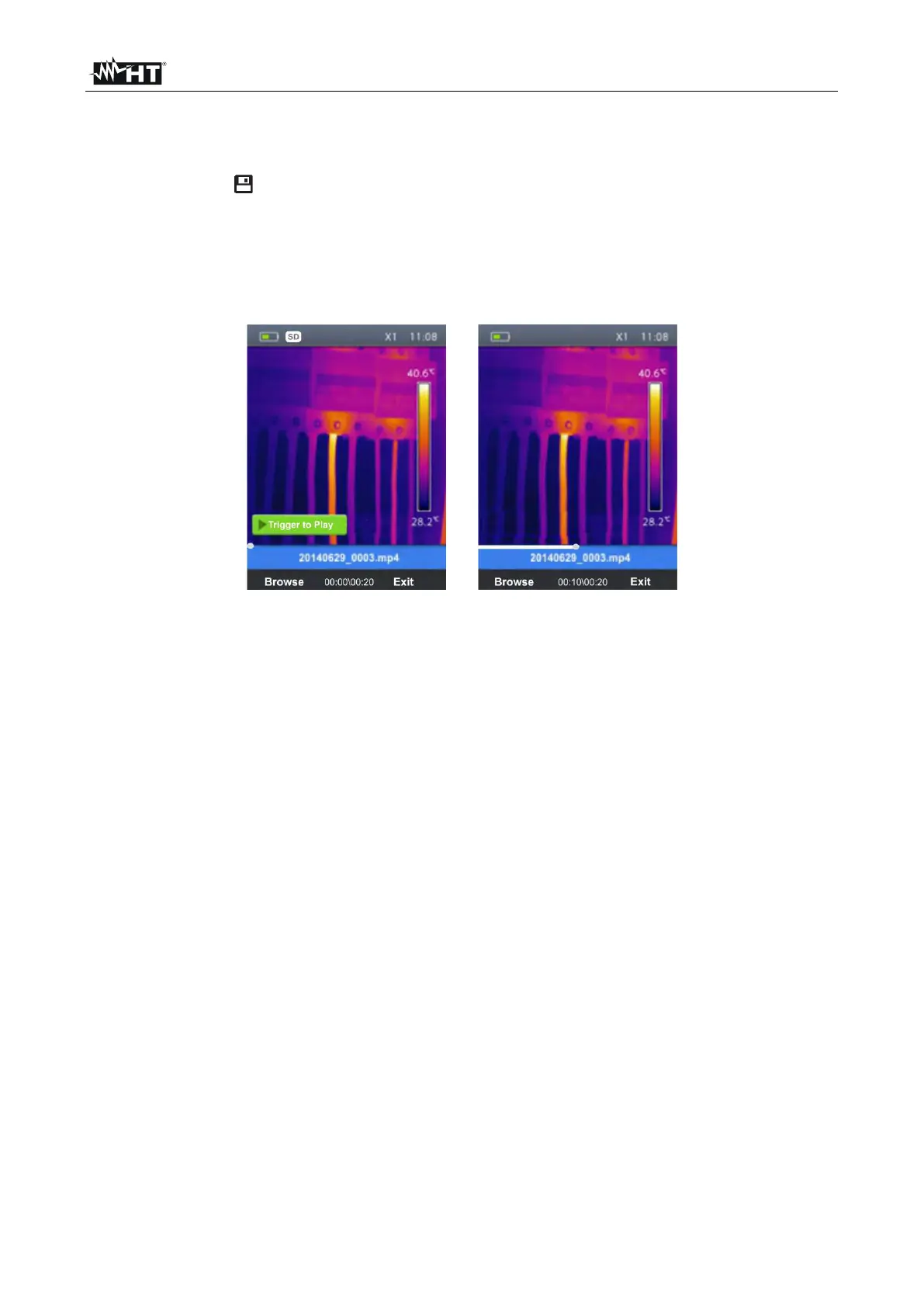
1. Press the key and recall the video on the display (see Fig. 33 – Left side).
2. If necessary, insert the jack of the headphones into the instrument (see Fig. 2 – Part
17).
3. Adjust the level of sound volume (see § 5.2.1).
4. Press the T (Trigger) key to activate video playback. A cursor and progress bar are
shown on the display (see Fig. 33 – Right side).
Fig. 33: Playback of videos on the display
5. Press the T (Trigger) key again to pause playback.
6. Press the Browse” key to go back to the gallery of images/videos or “Exit” key to back
to the main menu


 To Next Page